 Vidova
Keep a recording’s tracks together
A .vtape is a portable recording bundle. It contains the screen video and can include a separate camera video, cursor movement and clicks, and key events. The tracks present depend on what was captured or supplied.
A tape is different from a .vidova project package: a tape carries a recording, while a project package carries an editable film. A rendered MP4 contains the finished picture and sound. See Exporting and sharing for project and video exports.
Import a tape into Vidova or upload it with the CLI sign-in and uploads workflow. Keep the original tape if you want to preserve its separate tracks.
See what is inside
vidova info recorder-demo.vtape
vidova info recorder-demo.vtape --json
The summary lists the screen recording, camera, cursor and keyboard tracks, and archive entries. Use it to check whether the take actually contains audio or tracked input before relying on those features in the edit.
The captured example has a 12.1-second screen video and 356 cursor samples, with no camera, keyboard, or audio. Cursor samples and clicks are separate counts; this take contains no clicks.
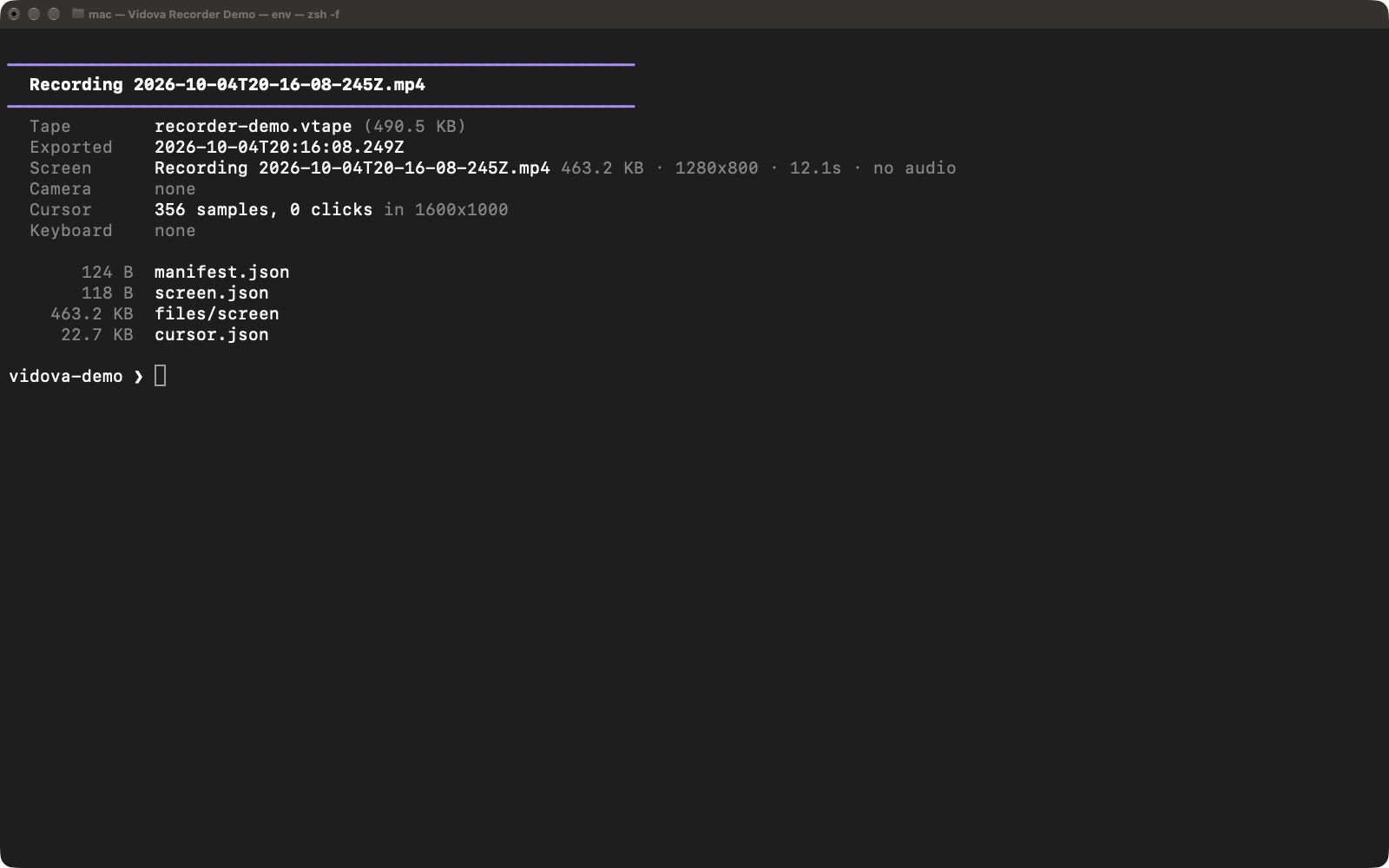
The saved demo tape contains screen video and cursor data. Its empty click count is separate from its movement samples.
- This take includes cursor movement but no camera, keyboard, or audio.
Select the image to open the original full view.
Wrap an existing video in a tape
vidova pack city-walk.mp4 -o city-walk.vtape
vidova info city-walk.vtape
Packing puts the video into a recording bundle. It does not reconstruct a separate camera view or invent cursor and keyboard data from the picture. The example contains only the original video and its audio.
If you already have matching tracks, pack also accepts --camera, --cursor, and --keyboard. Use tracks from the same recording so their timing and coordinates agree.
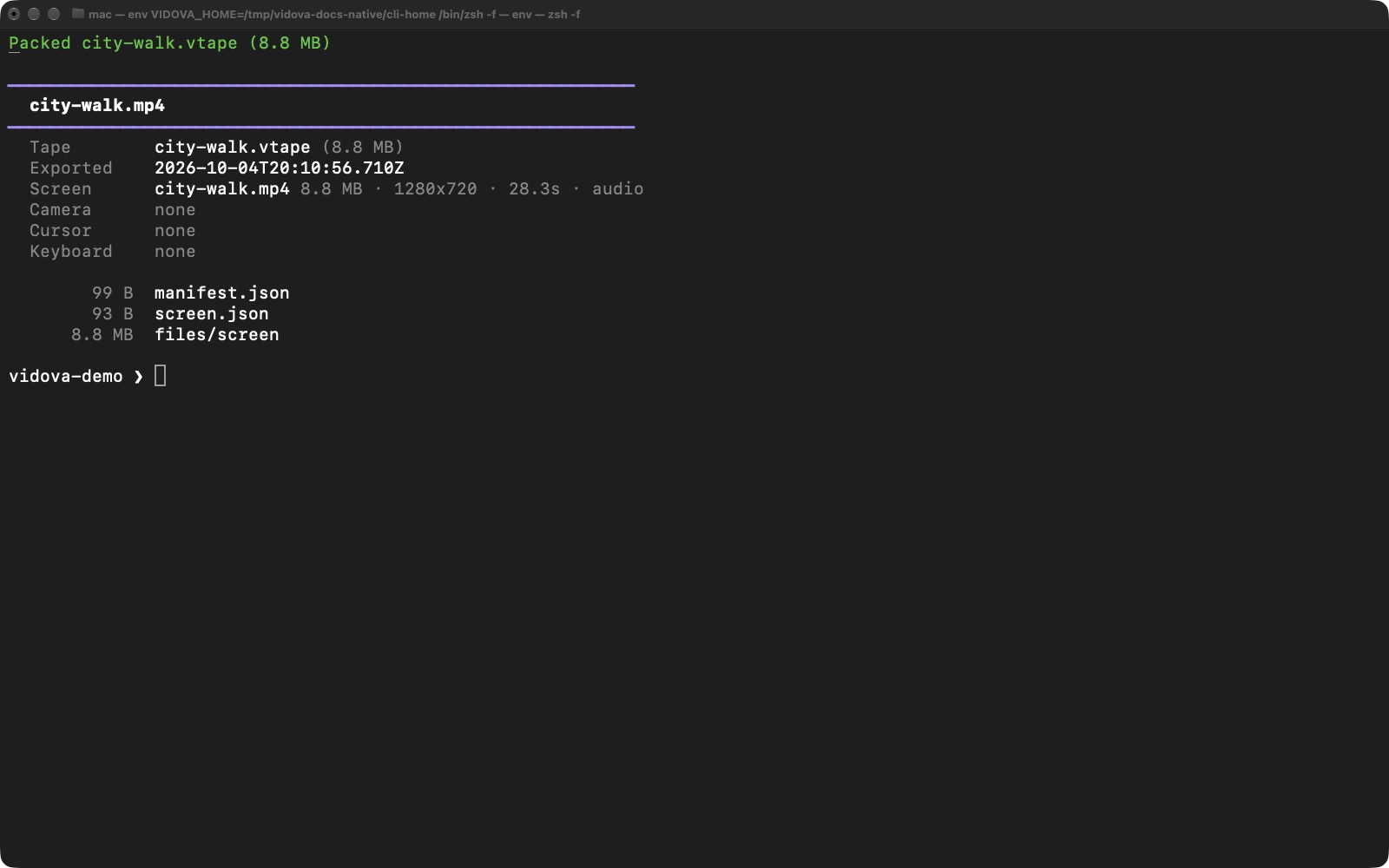
Packing an ordinary video preserves that source. It does not add tracked input that was never recorded.
Select the image to open the original full view.
Extract the source files
vidova extract recorder-demo.vtape -o extracted-recording
vidova extract-file recorder-demo.vtape screen.mp4 -o screen.mp4
vidova extract-file recorder-demo.vtape cursor.json -o cursor.json
extract writes all available entries into a folder. extract-file writes one named entry. Camera and key files are available only when the tape includes them; inspect the tape first.
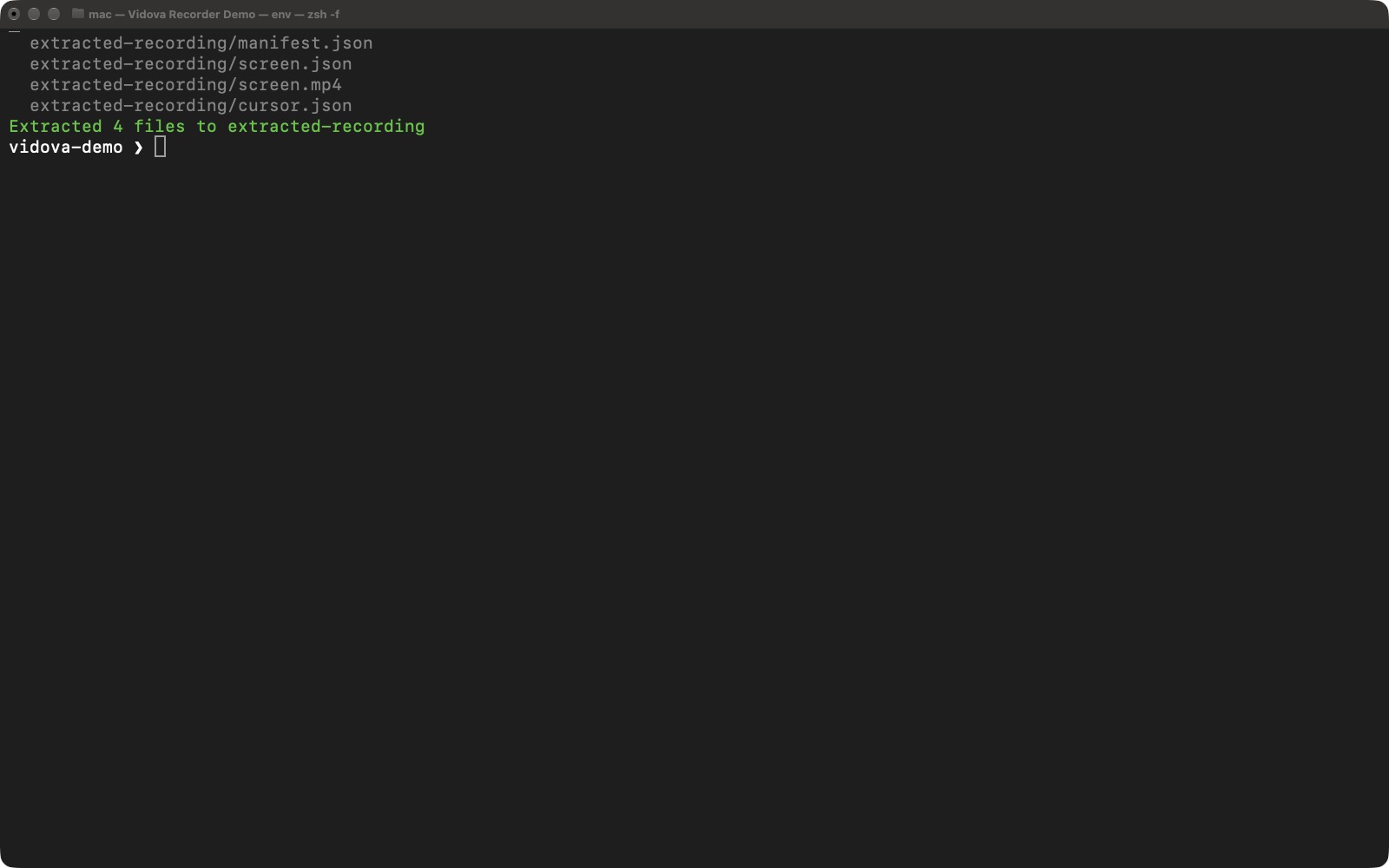
Extraction recovered the screen video and cursor data from the real demo recording.
Select the image to open the original full view.
Read tape metadata from a script
vidova info city-walk.vtape --json > tape-info.jsonThe JSON includes the manifest, source metadata, optional tracks, and archive entries. An absent track is represented as null. The example below shows the video dimensions and duration and confirms that camera, cursor, and keyboard tracks are absent.
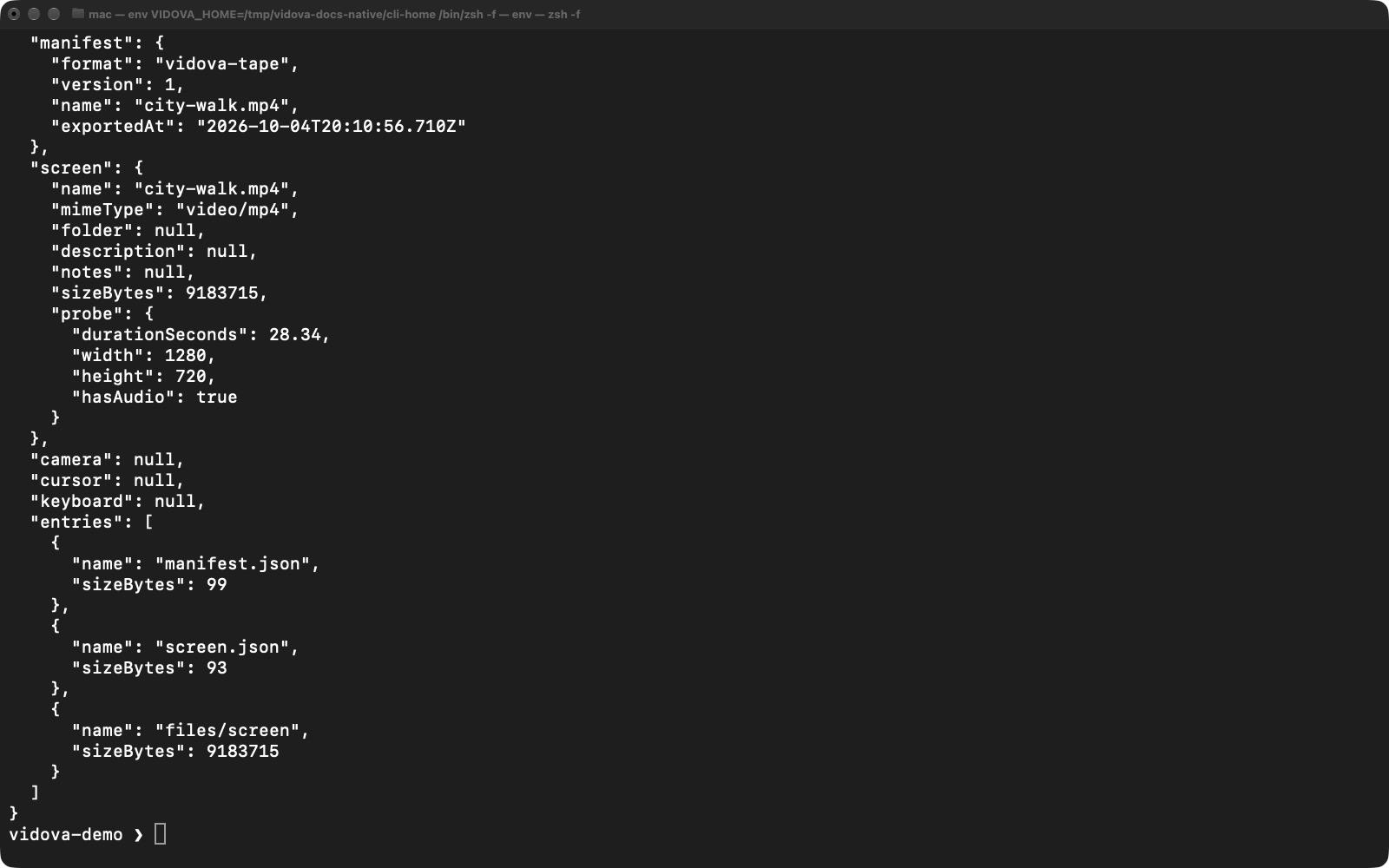
The metadata excerpt confirms which tracks this packed video contains. Use --json when another program needs to read the result.
Select the image to open the original full view.