 Vidova
Open the web editor
Open Vidova in a full browser and sign in. The web editor brings together your projects, Library, chat, timeline, and export controls. You can start without installing a desktop editor.
If a link opens inside another app and Vidova asks you to switch browsers, follow the browser choices on that screen. Media playback and device export depend on the capabilities of your browser and device.
Install the web app
Open Settings → About and look for Install app. Where supported, this opens the browser’s installation prompt. On iPhone and iPad, follow the Add to Home Screen instructions.
The installed web app opens in its own window and uses the same account and projects. Installing it does not change your plan or credits.
Continue on another device
- Finish uploading the media your project uses.
- Allow project changes to sync while connected.
- Open Vidova on the other device and sign in with the same account.
- Open the project and check that its media is available before editing.
A file still waiting on the original device is not ready for cloud access. Keep that device’s tab open until its upload completes. See Storage and access.
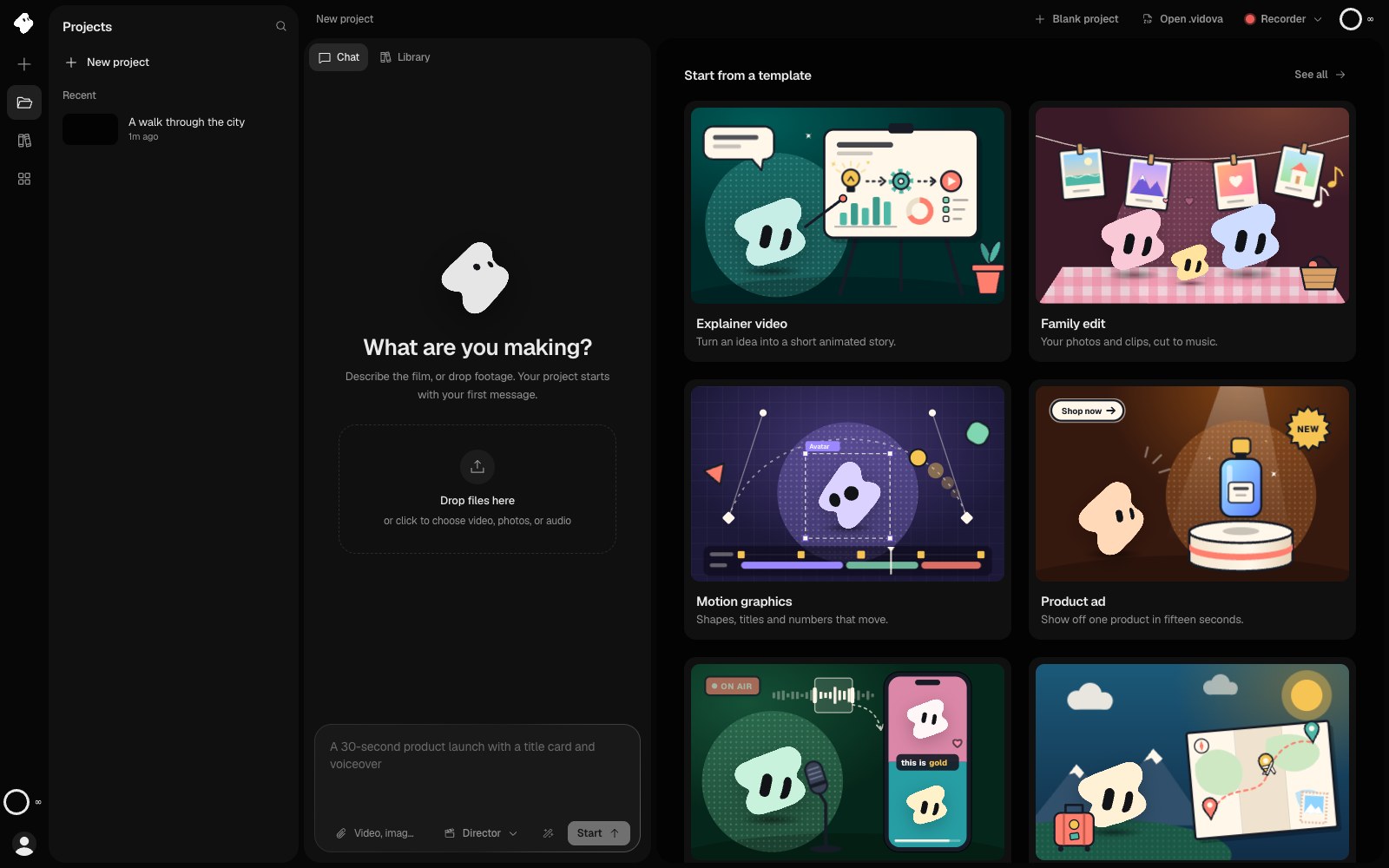
Open the Projects panel at the left edge to reopen a film, or describe a new one in the prompt box.
Select the image to open the original full view.
Know which work needs a connection
The installed web app can keep its app shell and some previously loaded data locally. This does not make every project or feature available offline. Sign-in, synchronization, new cloud media downloads, built-in chat, generation, analysis, and cloud rendering need a connection.
For an export on this device, the browser needs all the media used in the film and must remain open. For an export that continues after you leave, use Cloud and wait for its media uploads first.
Get the recorder
Choose Recorder in the app navigation to see the available downloads for your operating system. Use the published download choices for the current release.
Recording captures your material; the editor is where you assemble and refine the film. See Screen recordings for the controls available on editable recordings.
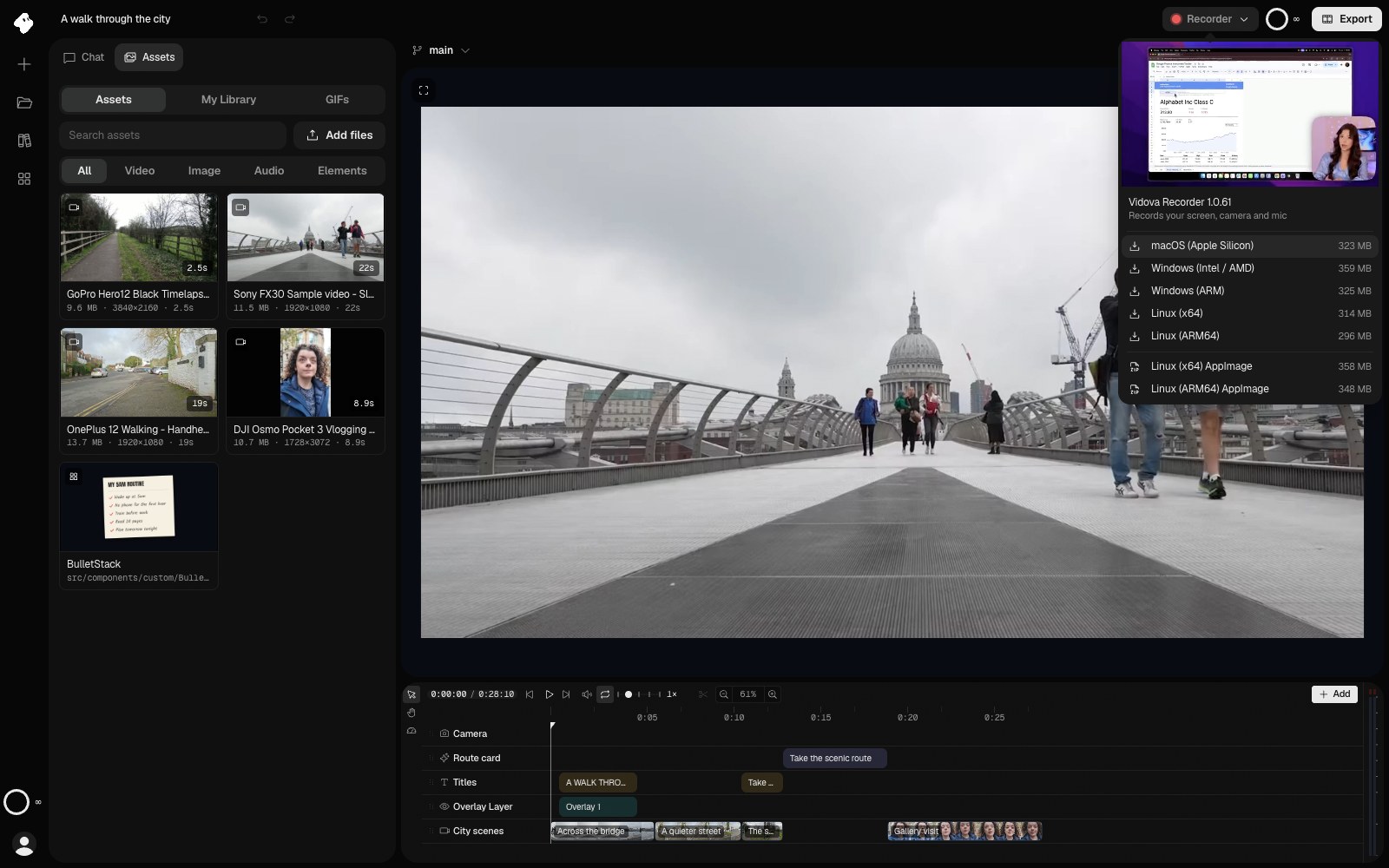
Open Recorder to choose an installer for your device. The web editor can also import existing recordings.
Select the image to open the original full view.