Vidova
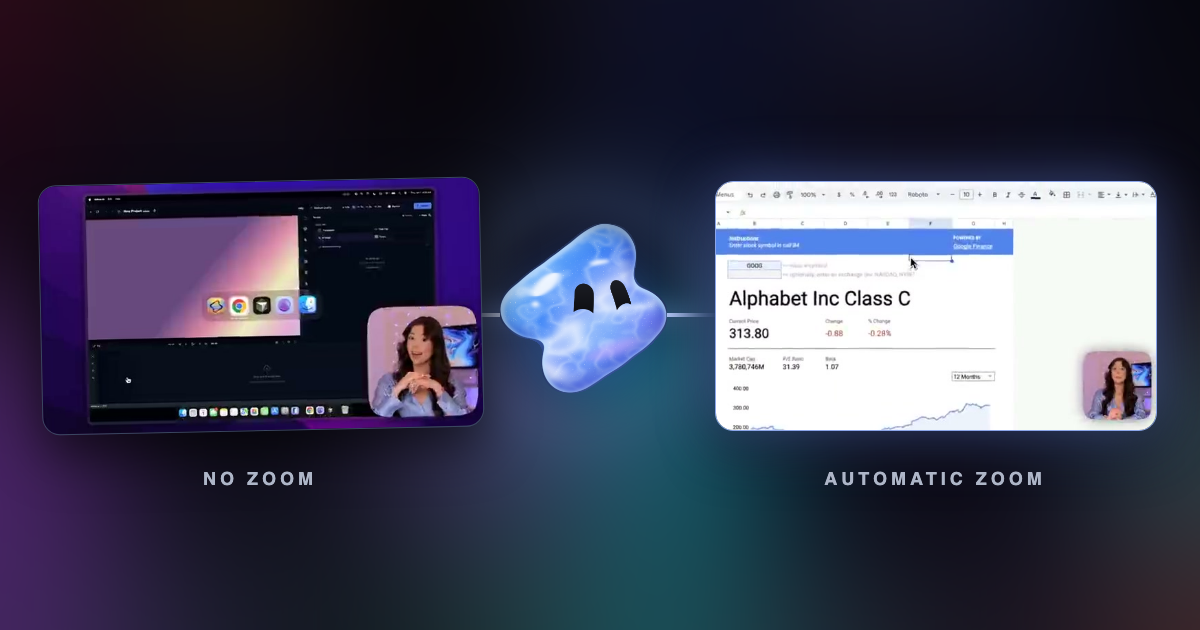
Automatic zoom vs manual zoom in screen recordings
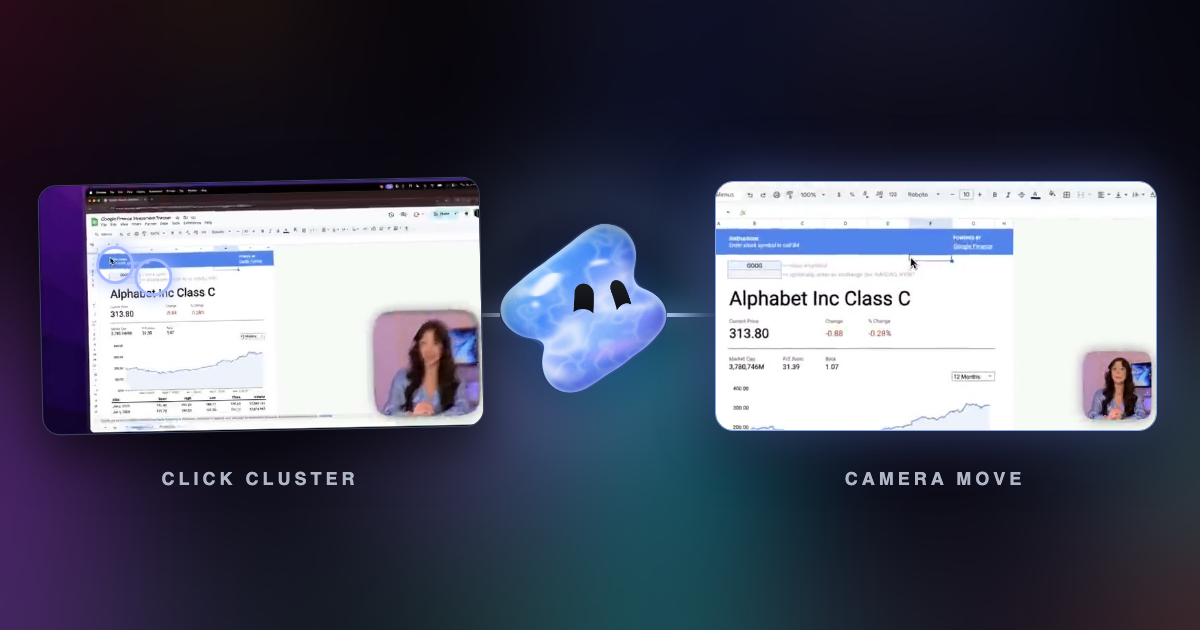
When to let the recorder place zooms on your clicks, when to draw them yourself, and how to mix both on one track so a screen recording looks edited by hand.
Read articleBrowse a topic
Make the next edit clearer. Learn how to brief an editing agent, turn footage into focused clips, review captions, and check the finished video.
When to let the recorder place zooms on your clicks, when to draw them yourself, and how to mix both on one track so a screen recording looks edited by hand.
Read articleHow a recorder turns clicks into zooms: which clicks earn a zoom, why a still cursor does not, and the timing rules that keep the camera steady.
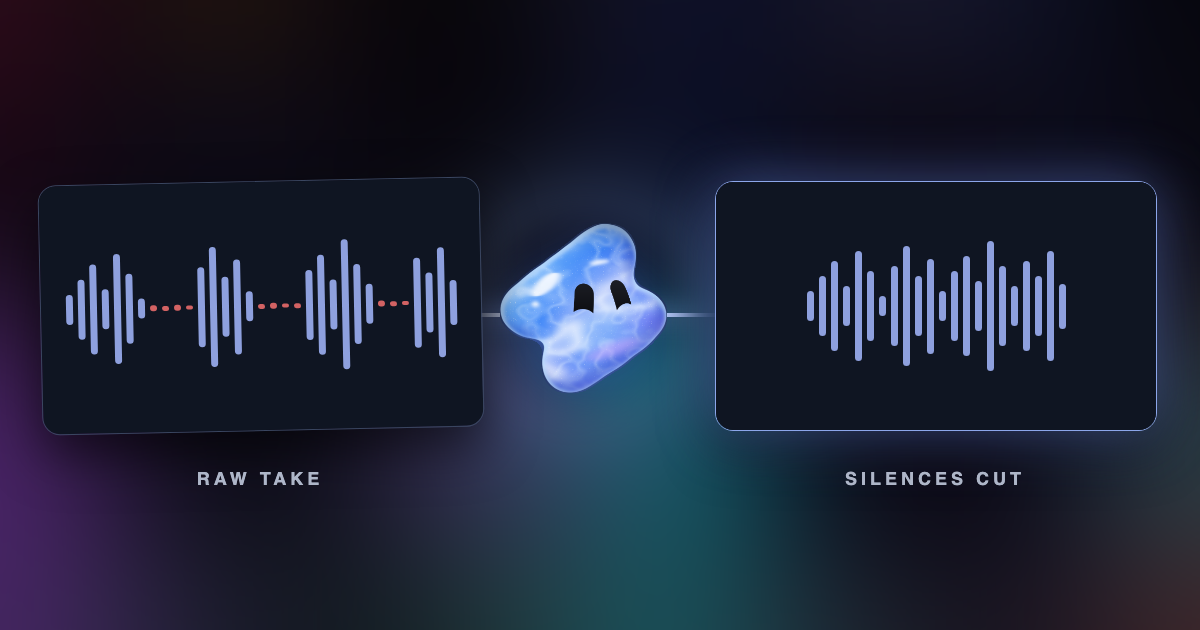
Read articleRemove silences from a video automatically: how silence detection finds the gaps, where the cuts go, which pauses to keep, and how to do it in Vidova.
Read articleEdit a talking-head or vlog video for YouTube with AI: cut retakes and pauses, add B-roll, titles and captions, and export at 1920 × 1080.
Read articleAdd captions to a video with AI: transcribe the speech, fix names and numbers, style the words for Reels, TikTok or YouTube, burned in or editable.
Read articleAI video generators make new clips. Vidova edits the clips you upload on a timeline, and “use only my clips” keeps it to your own footage.
Read articleRemove silences and filler words from a talking-head video, hide the jump cuts and add captions, by hand in the Script panel or with a brief.
Read articleWhat to put in a prompt for an AI video editor, what to leave out, and how to shorten a long brief that ChatGPT wrote for you. With a before and after example.
Read articleA practical workflow for choosing a complete idea, cutting a vertical interview clip, correcting captions, and reviewing the export.
Read articleLearn how an AI editing agent plans, changes, and reviews a real video timeline, and how to stay in control of the result.
Read articleMake something with Vidova
Your footage, your ideas, and a timeline you control.