Vidova
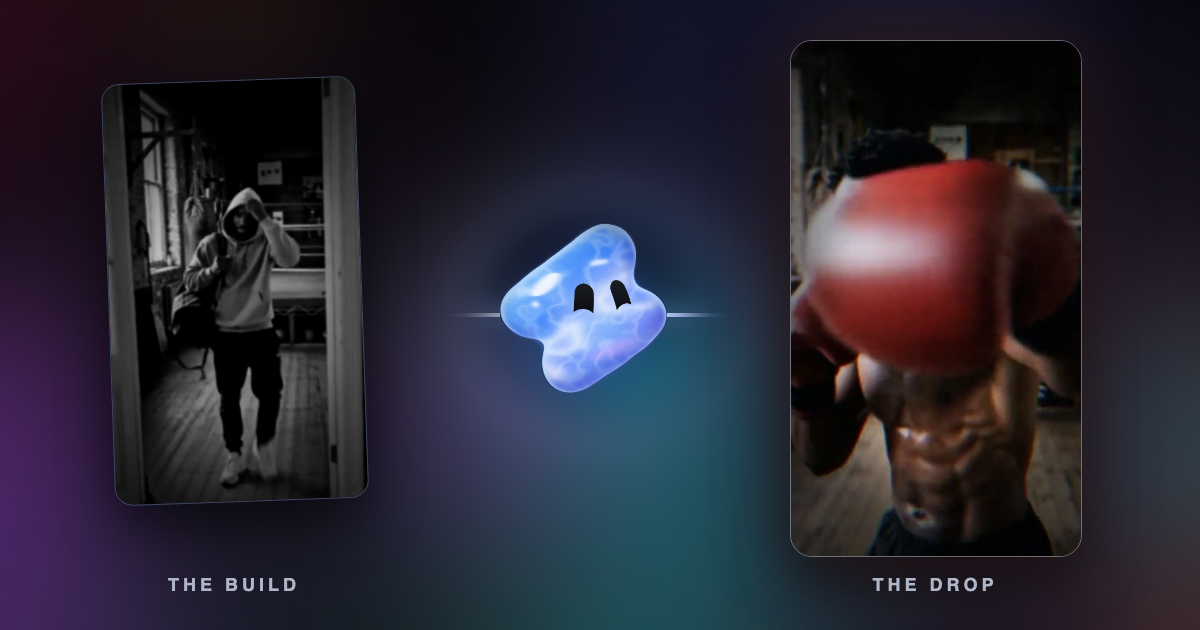
How to make a before and after transformation video with AI
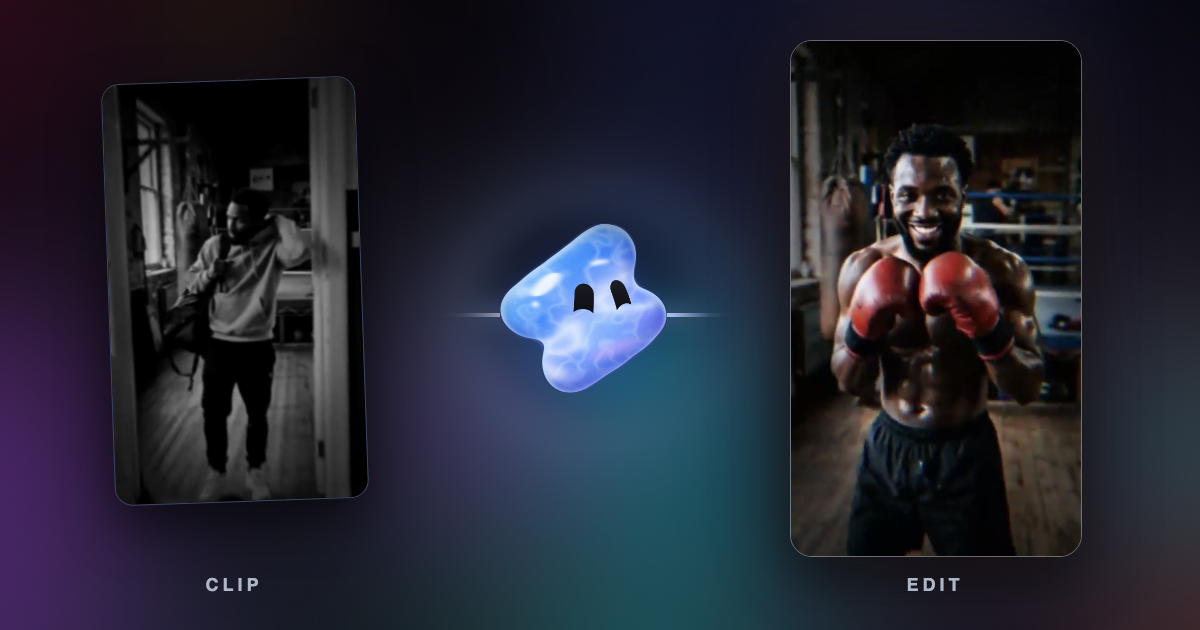
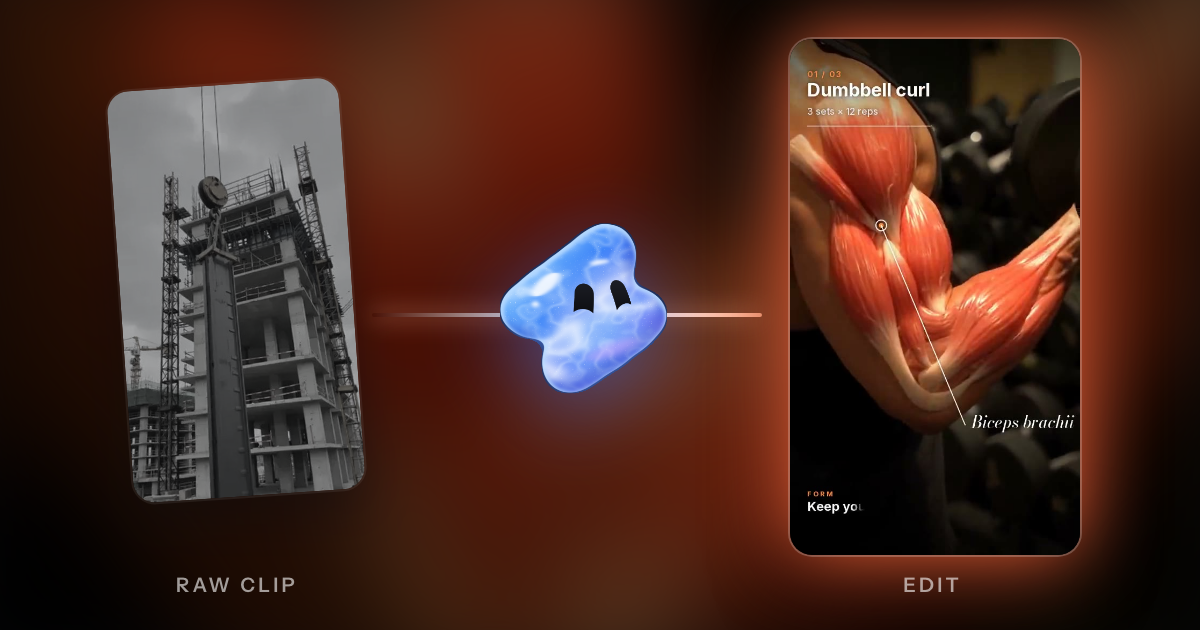
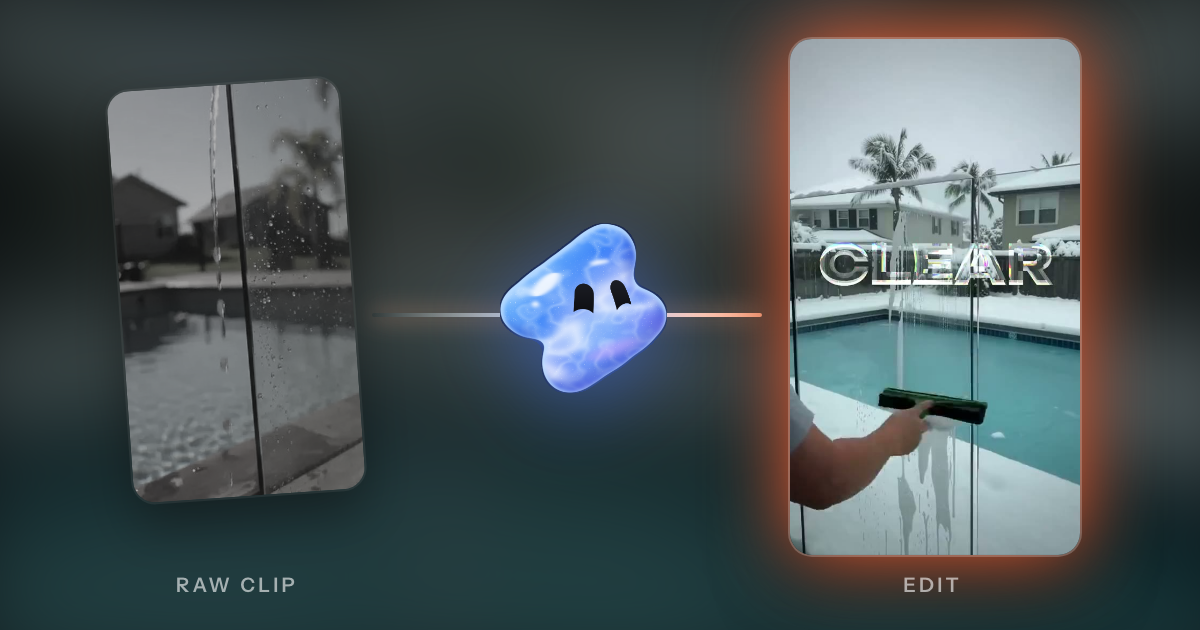
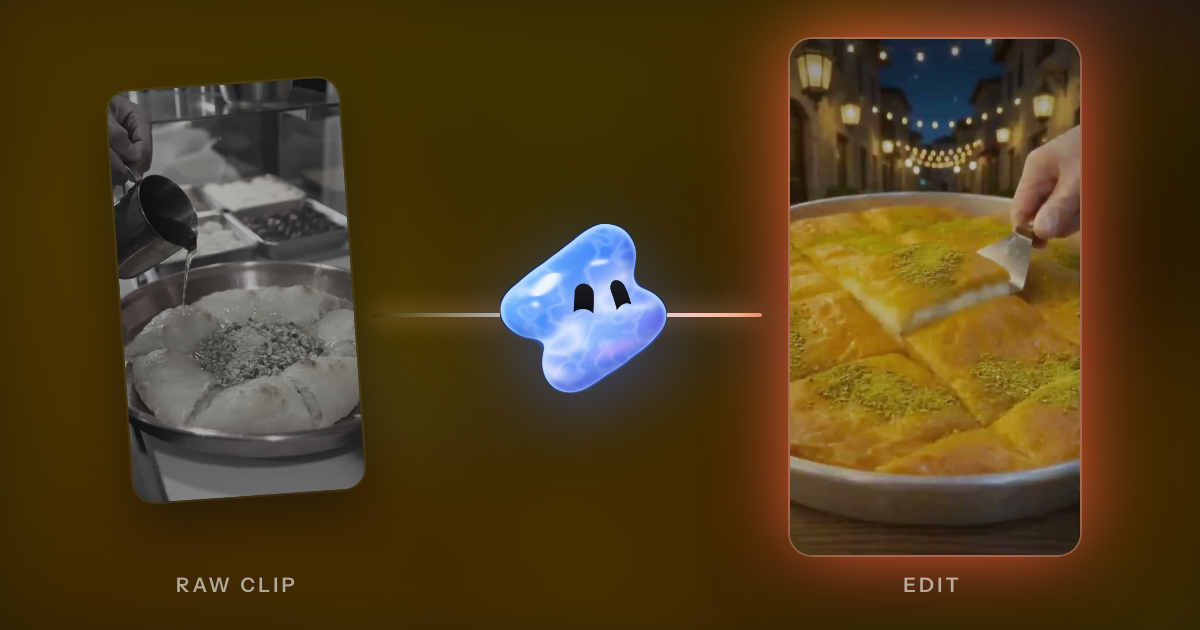
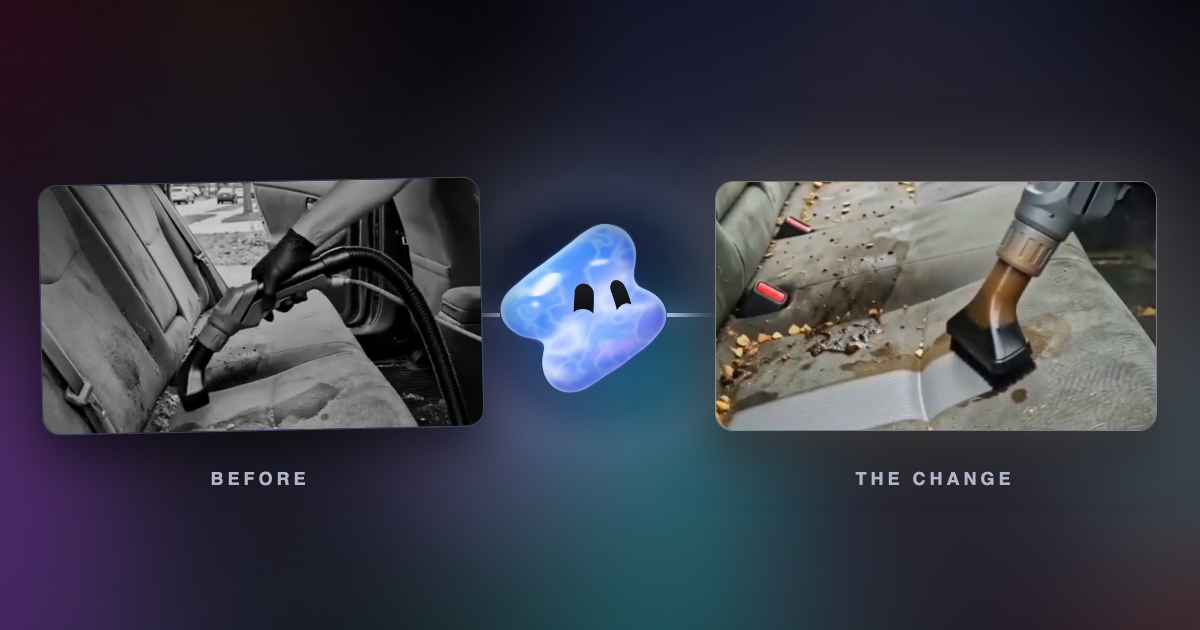
Make a before and after video with AI: film both states from one spot, keep one moment of the work and land the change on a beat. For barbers, builders and gyms.
Read articleBrowse a topic
Step-by-step guides for videos made from your own footage: promos, product ads, beat edits, gameplay montages, recaps, travel and music videos.
Make a before and after video with AI: film both states from one spot, keep one moment of the work and land the change on a beat. For barbers, builders and gyms.
Read articleMake a character edit with AI: write the story in one line, put the biggest moment on the drop and slow only one to three moments. Tools compared.
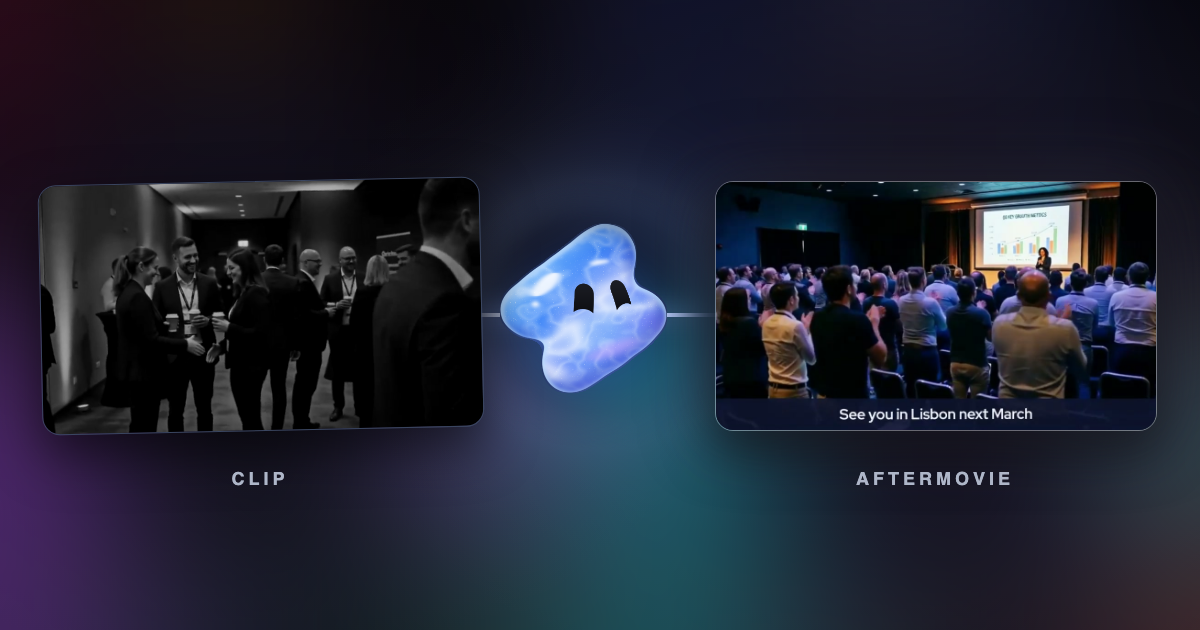
Read articleMake a cinematic aftermovie with AI: one arc from calm to peak, cuts that get shorter, one slowed moment and the room's real sound under one song.
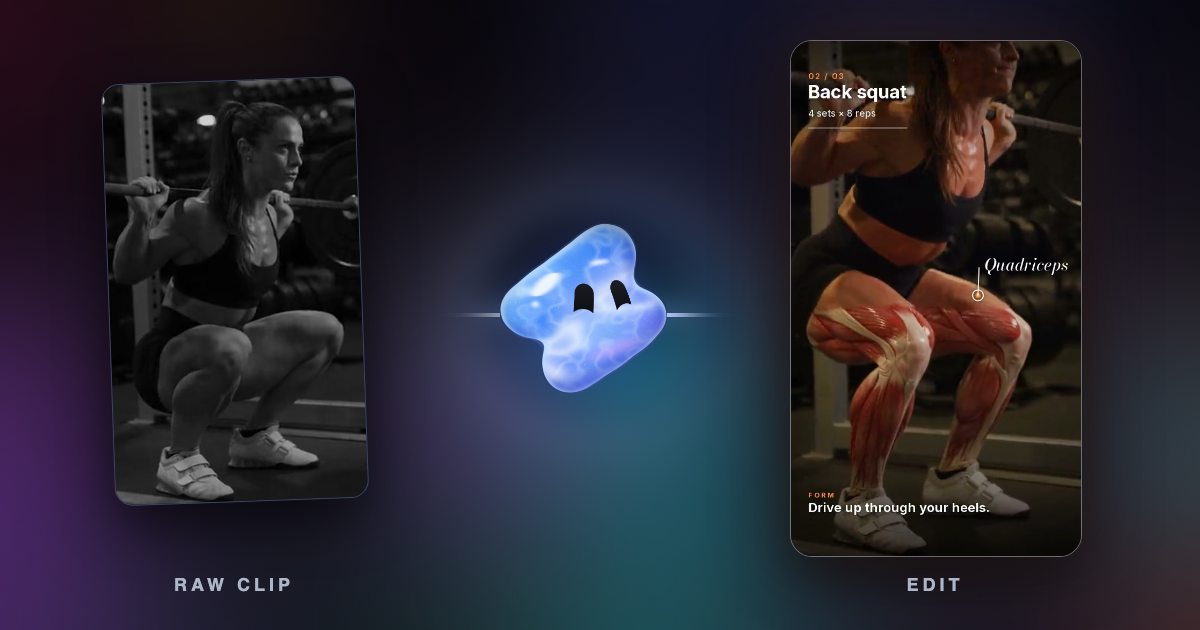
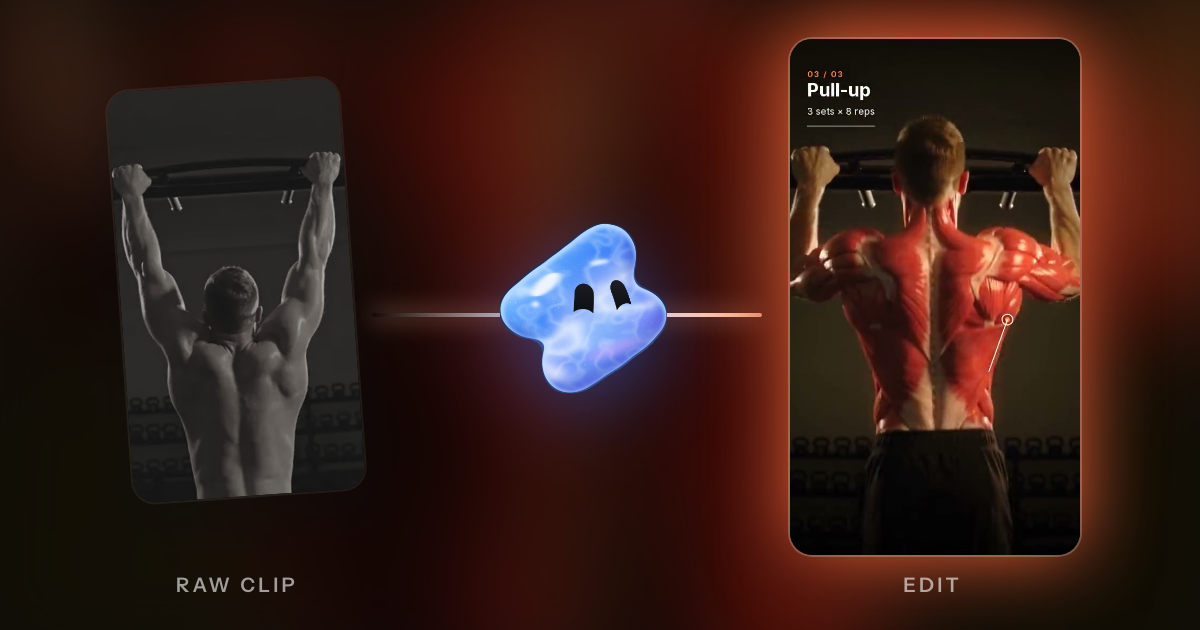
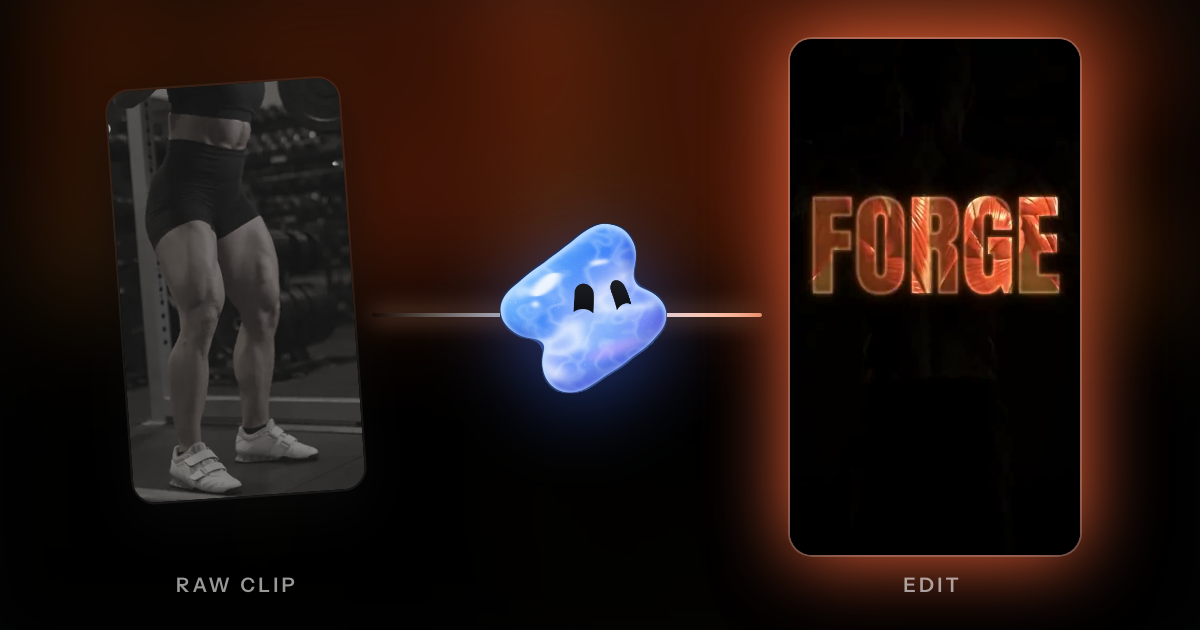
Read articleTurn raw workout footage into a fitness reel with AI: cut the rest between sets, slow the hardest rep and land it on the beat. Formats, briefs and music rules.
Read articleClean the sound of a video with a free voice isolation tool, then compare Vidova, Adobe Podcast, Descript, CapCut, iMovie, Premiere, Resolve and Audacity.
Read articleSplit a video at every cut and fade with a free tool, download each scene as an MP4, and compare PySceneDetect, FFmpeg, CapCut, Premiere, Resolve and Filmora.
Read articleYes, with limits. Compare how Vidova, OpusClip, CapCut, Descript, Kapwing, Merra, Gling, Google Photos and Premiere find moments, what they cost and what goes wrong.
Read articleFour ways to make a vlog from your clips with AI: Vidova, iMovie, Google Photos, CapCut, Kapwing, Descript, Merra, Medeo, FlexClip and Pippit compared on price and limits.
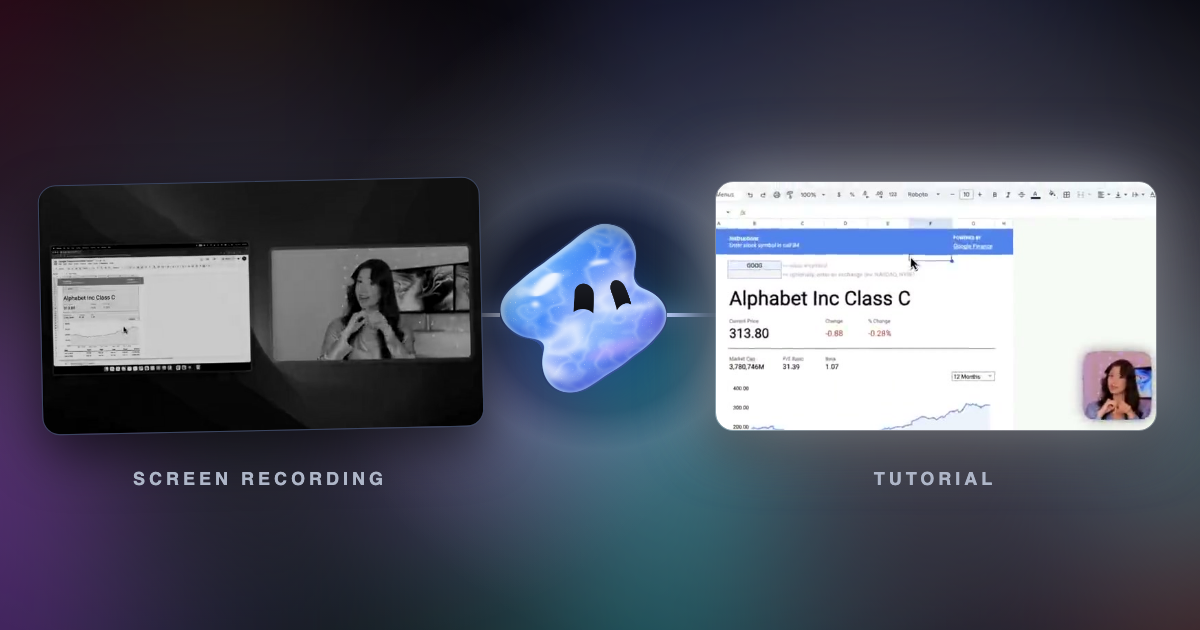
Read articleTurn product walkthroughs into tutorials and help-center videos at volume: cut dead time, zoom on clicks, add captions, voiceover, chapters and vertical cuts.
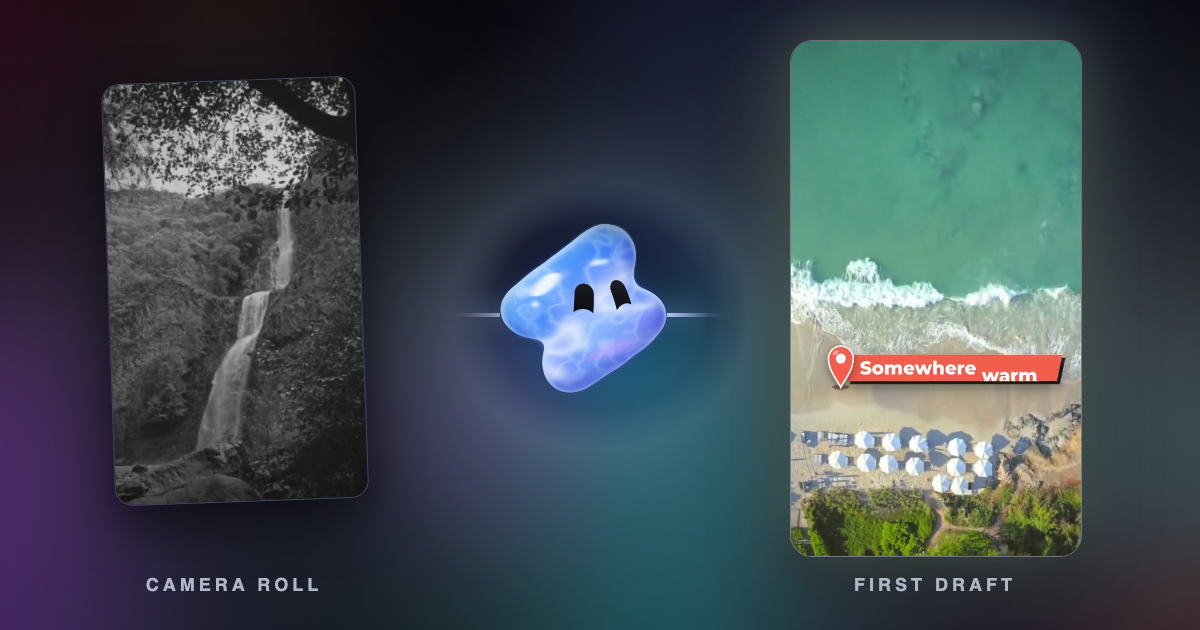
Read articleYouTube's Edit with AI turns your clips into a first-draft Short with music, transitions and a voiceover. The steps, limits, countries and what it cannot do.
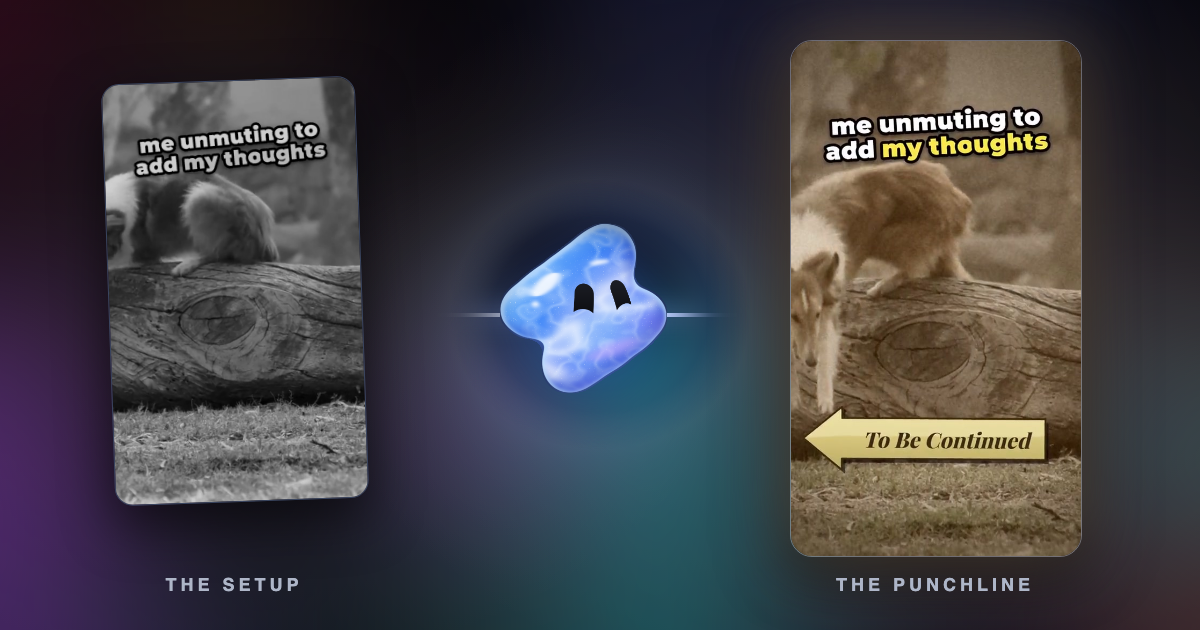
Read articleA funny edit lands when each meme, sound effect and zoom hits the frame of the joke. What to add, where to put it, and where to find clips and sounds.
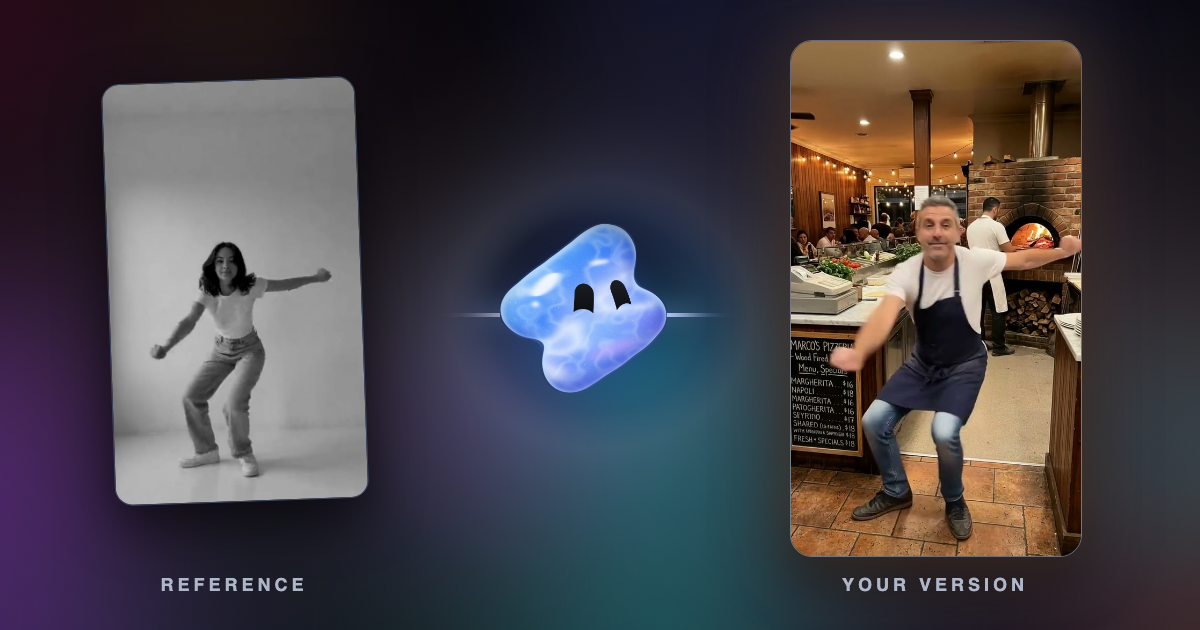
Read articleCopy a reference video's cuts, beat, speed ramps, text style, colour and song onto your own clips. What to upload, how to ask, and which music rules apply.
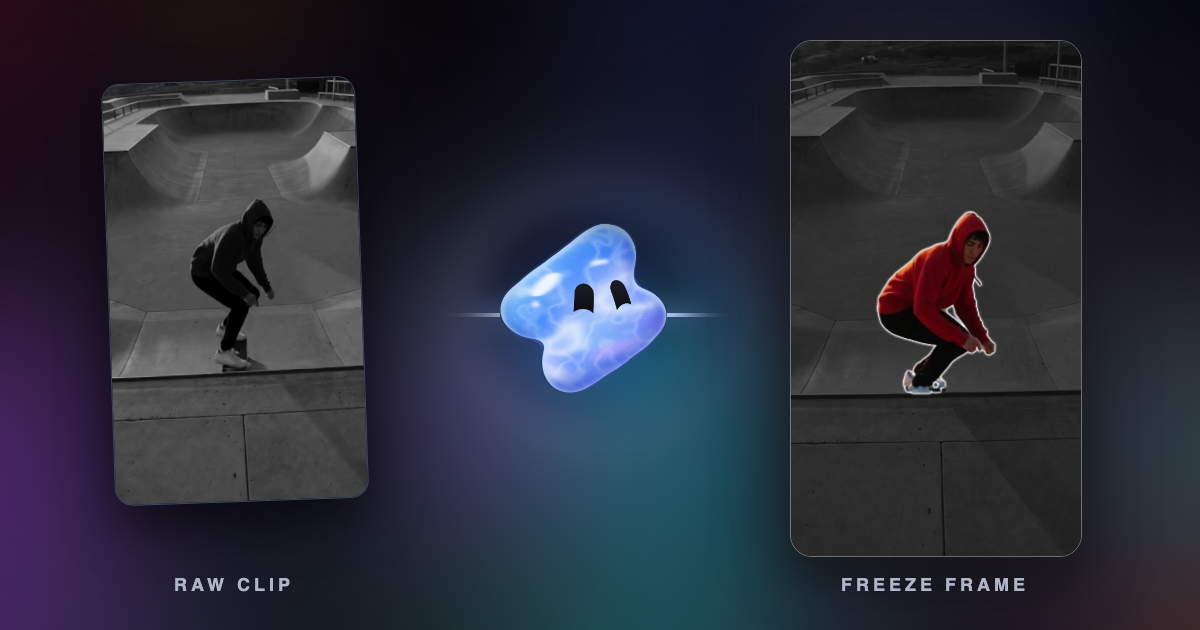
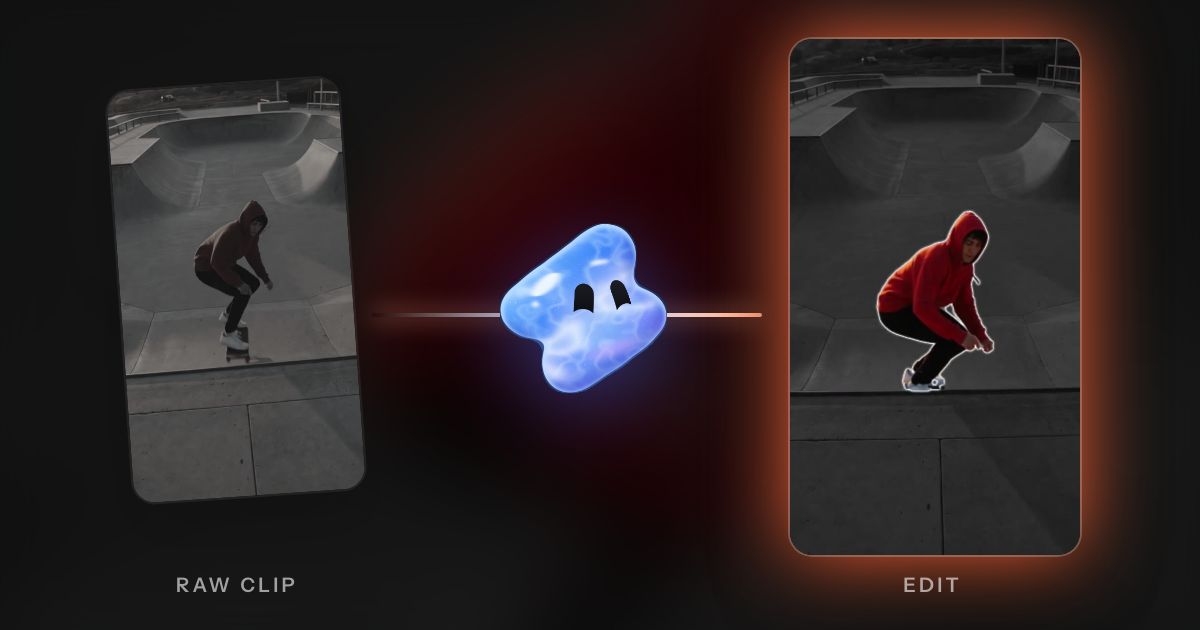
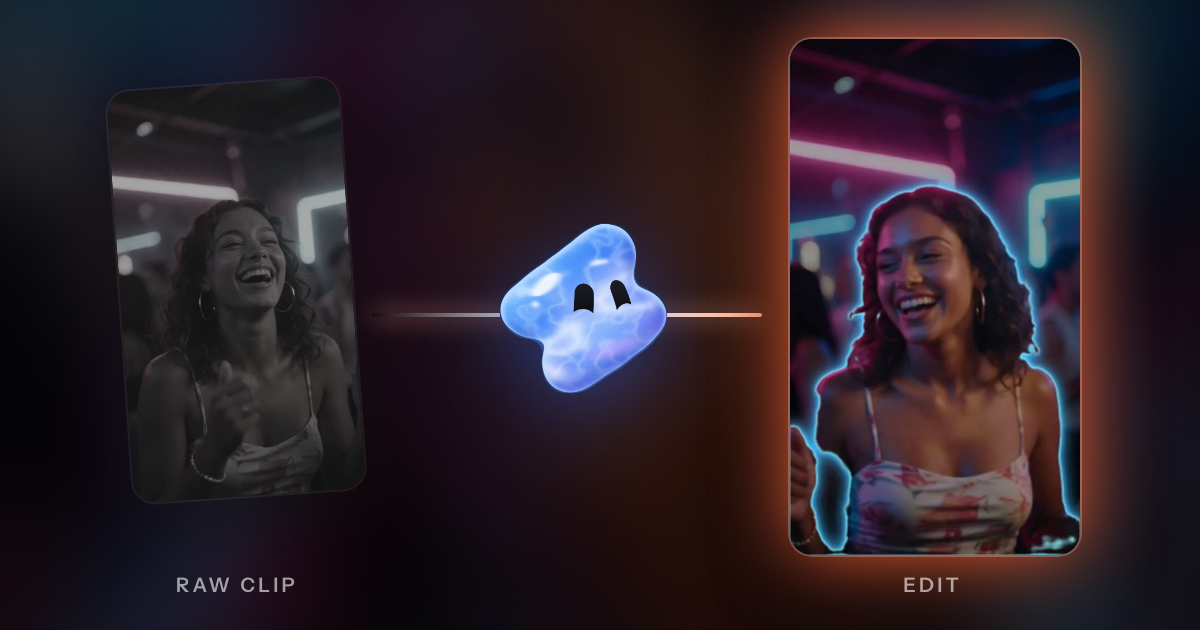
Read articleFreeze the subject on a beat, drain the world to grey, push in and trace them with a neon outline. How to do it by hand and with AI.
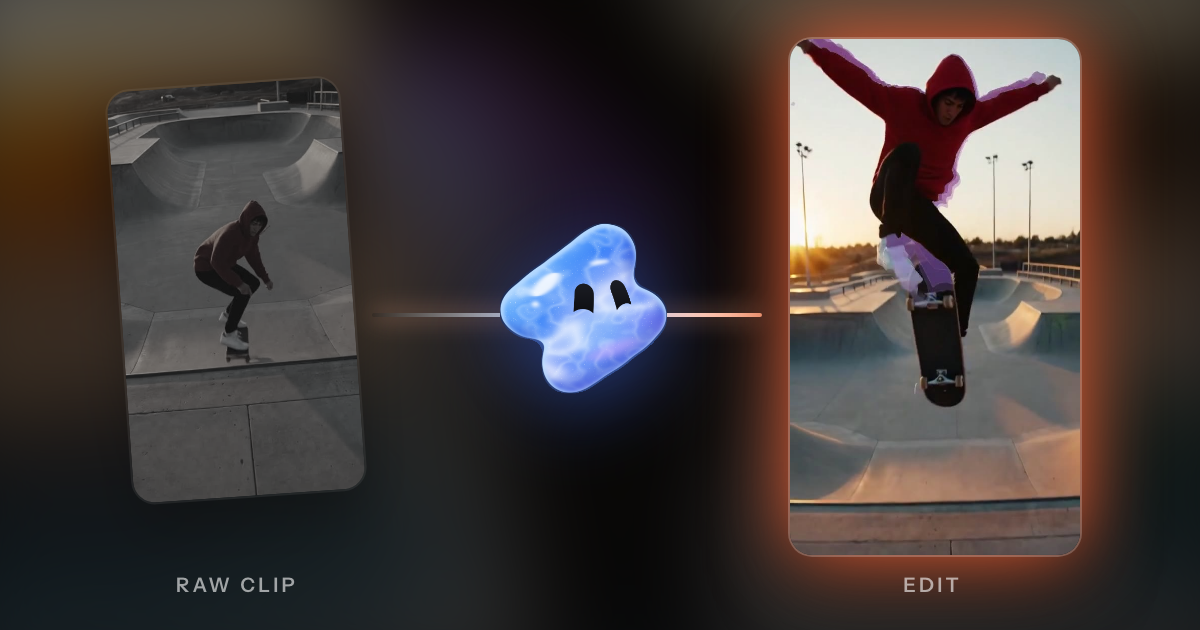
Read articleA velocity edit rushes each clip, brakes on a beat and plays the moment at quarter speed. The speed curve, CapCut and Premiere steps, and the AI way.
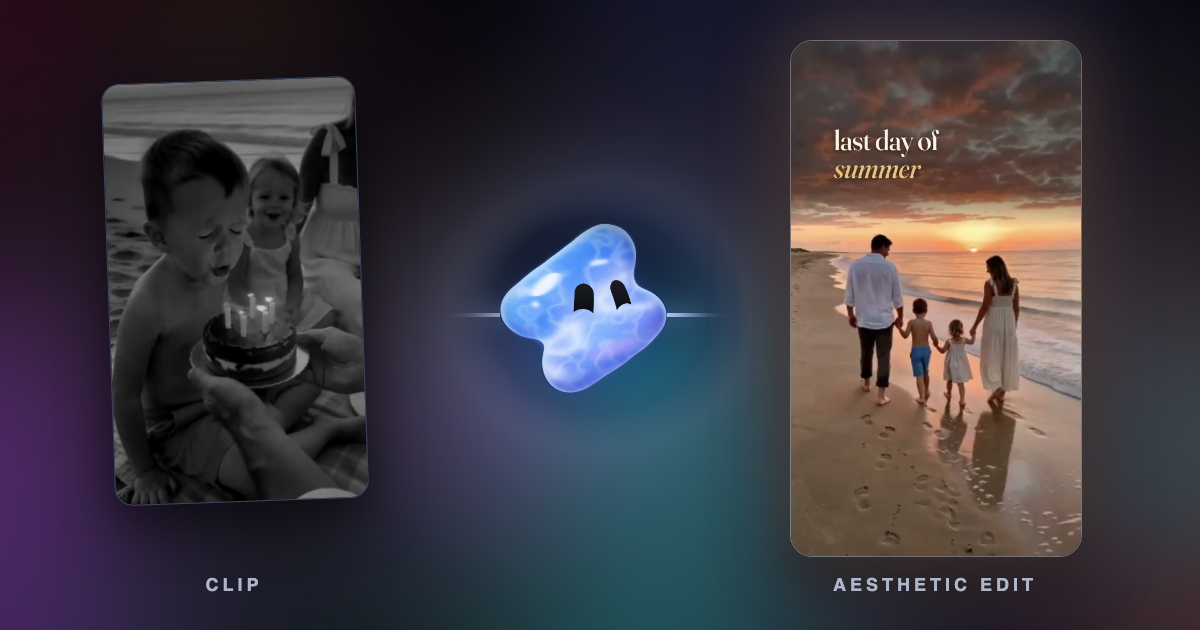
Read articleAn aesthetic edit is a calm video with one soft look: warm muted colour, a gentle glow, film grain, slow cuts and a few words. How to film and edit one.
Read articleCinematic phone video starts in the camera: 24 fps, a steady phone, locked white balance and soft light. Then one grade, one slow moment and real sound.
Read articleWhat Sprout Social, Buffer, Hootsuite and Later found about the best time to post Reels and TikToks in 2026, why they disagree, and how to find your own time.
Read articleWhat UGC means, how to make a UGC ad with AI from real creator footage, when a cloned voice or lip sync fits, and the FTC, TikTok and Meta rules.
Read articleChoppy slow motion comes from too few frames. Film at 120 or 240 fps, let AI frame interpolation fill the gaps, and ramp the speed into the moment.
Read articleHow many Reels and TikToks a week a business should post, from Buffer studies of 2.1 million Instagram posts and 11.4 million TikToks, plus a plan.
Read articleWhat Instagram trial reels are, who can use them, how to post one, when followers see them and why a trial reel can sit at 0 views.
Read articlePost one video on TikTok and Instagram without a watermark or blur: export a clean master, upload it to each app, and keep text in the safe zone.
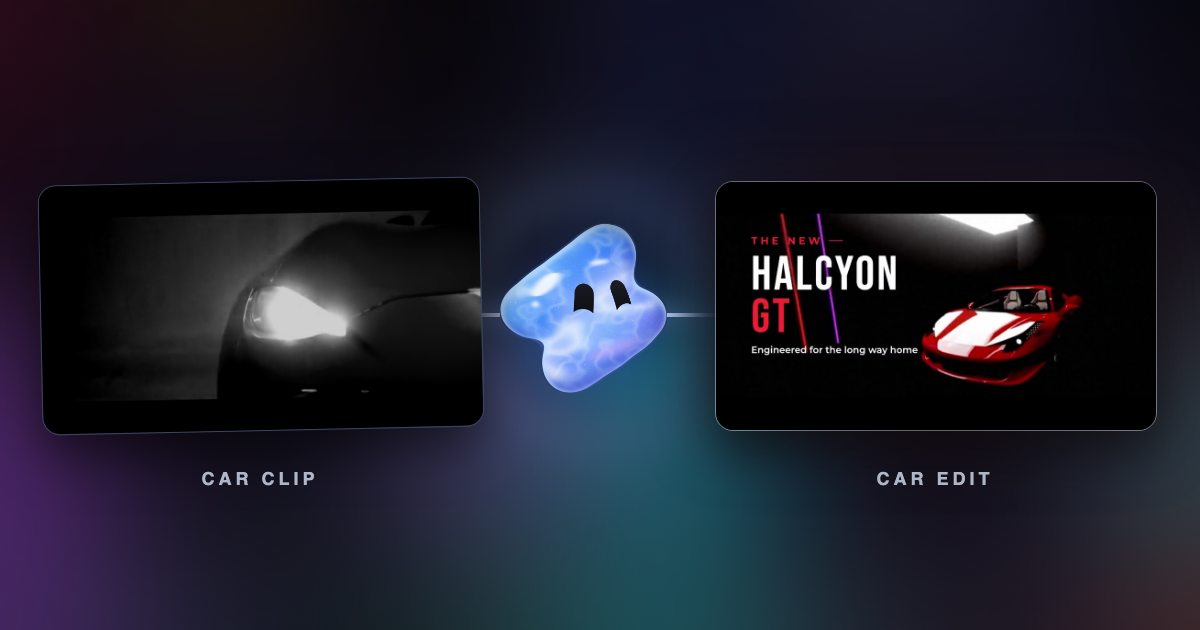
Read articleMake a car edit from your own clips with AI: a phonk night drive cut on the beat, a speed ramp into the drift, or a clean car ad. What to film and ask.
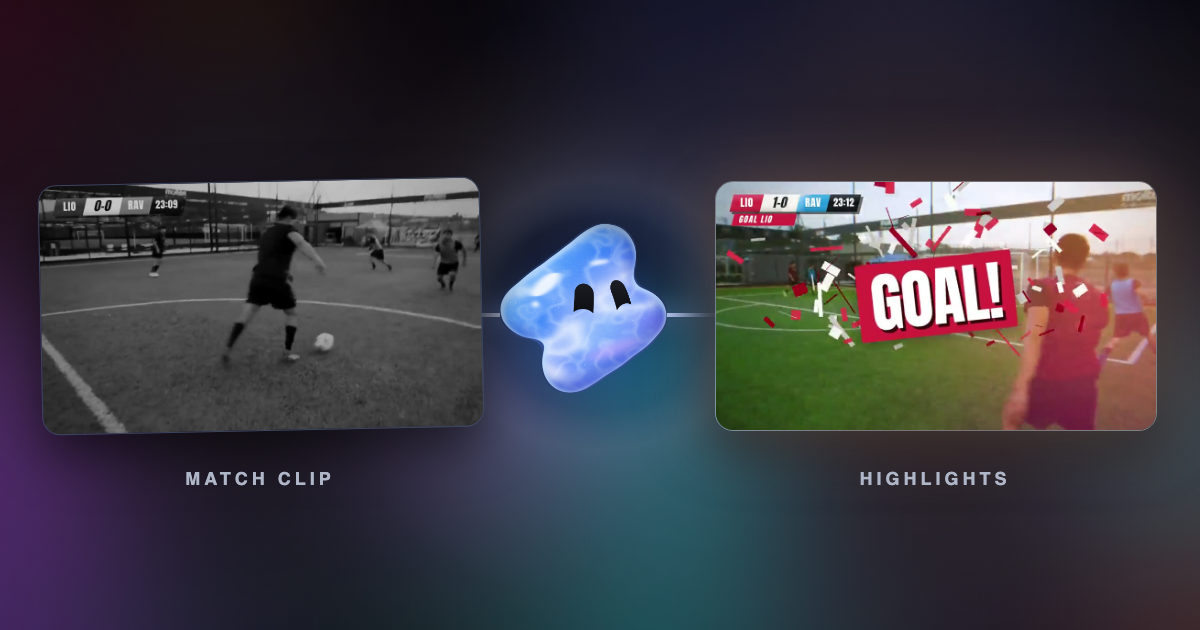
Read articleMake a football edit from your own match clips with AI: the strike at quarter speed, cuts on the beat, a score bug and the goal. What to film and ask.
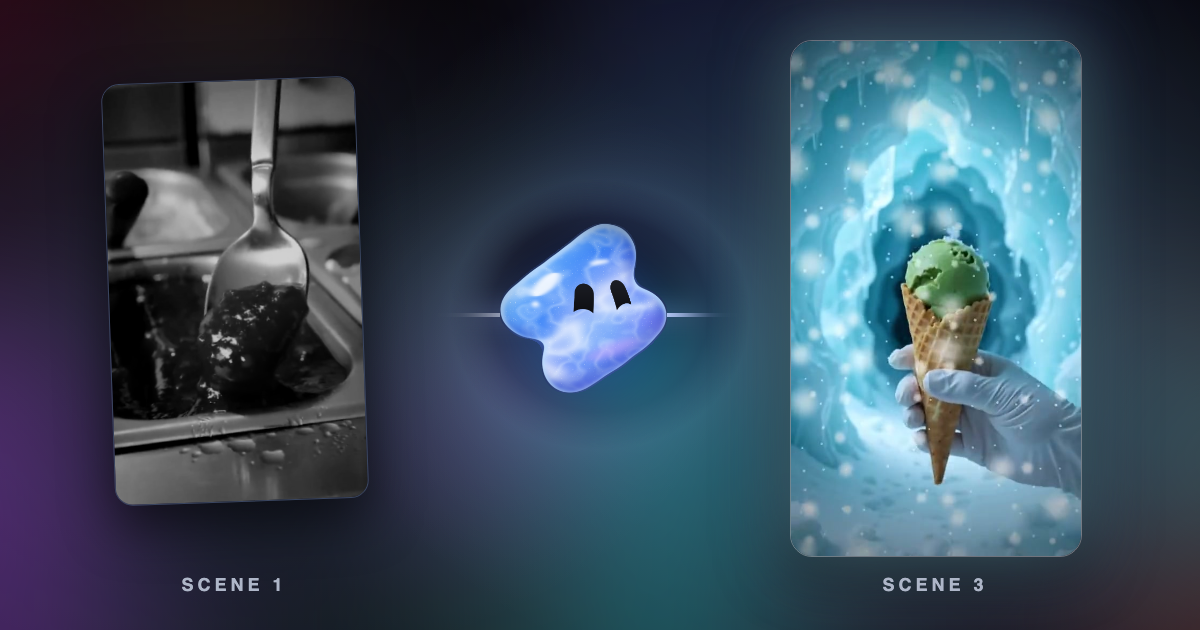
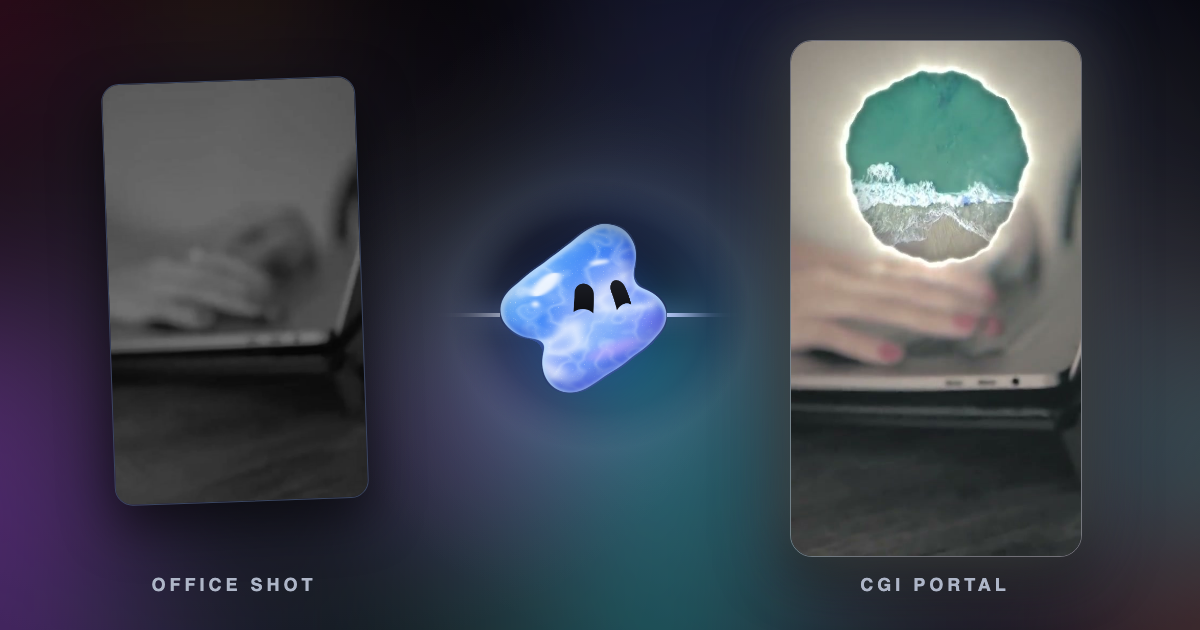
Read articleHow CGI and FOOH (faux out-of-home) ads are made, and how to make one with AI: a generated shot, a real clip changed with AI, 3D objects and VFX.
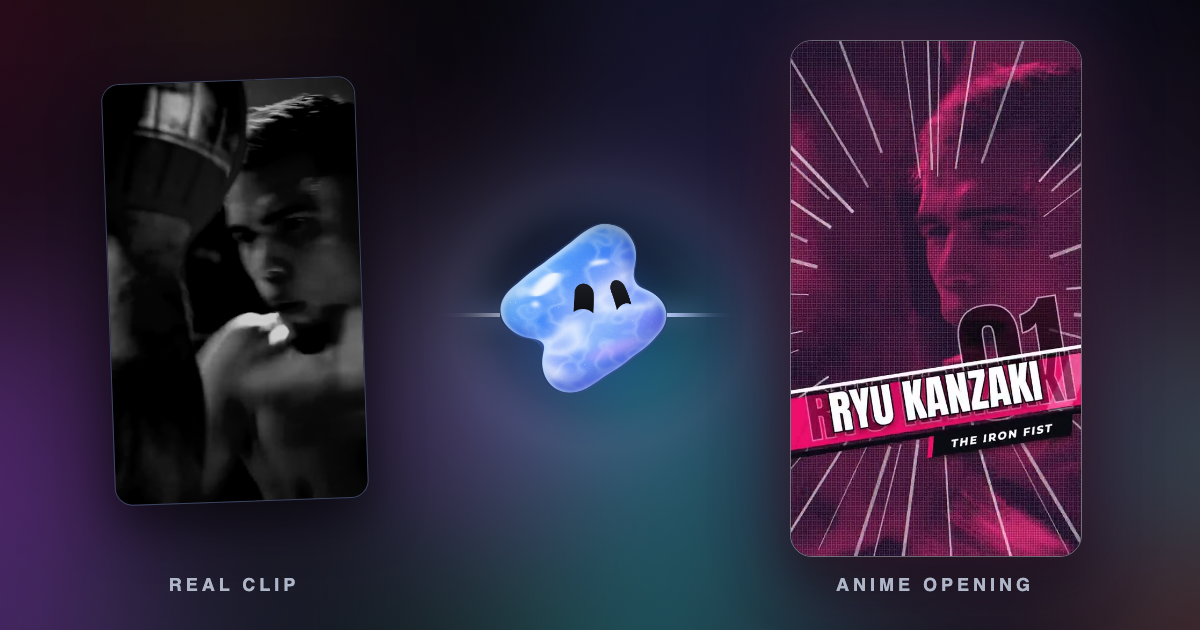
Read articleTurn a real clip into anime with AI: what footage works, the prompt, how Vidova keeps the motion and sound, and the anime-opening template.
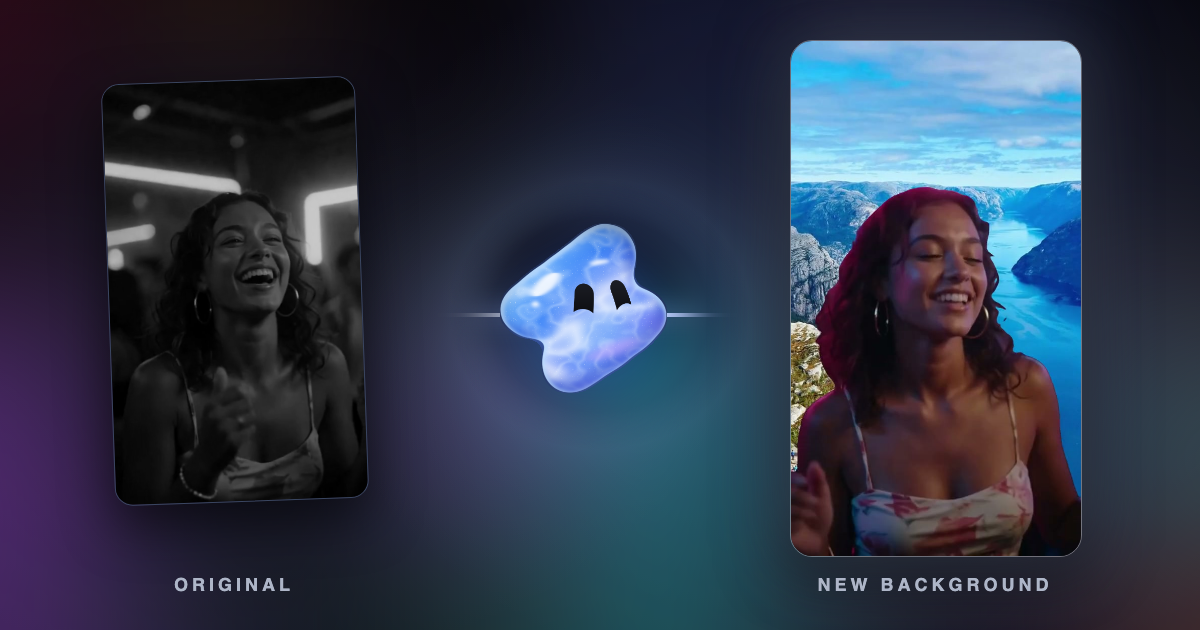
Read articleChange a video background with AI: cut the person out without a green screen and put them on a photo, a video or a generated scene. Step by step.
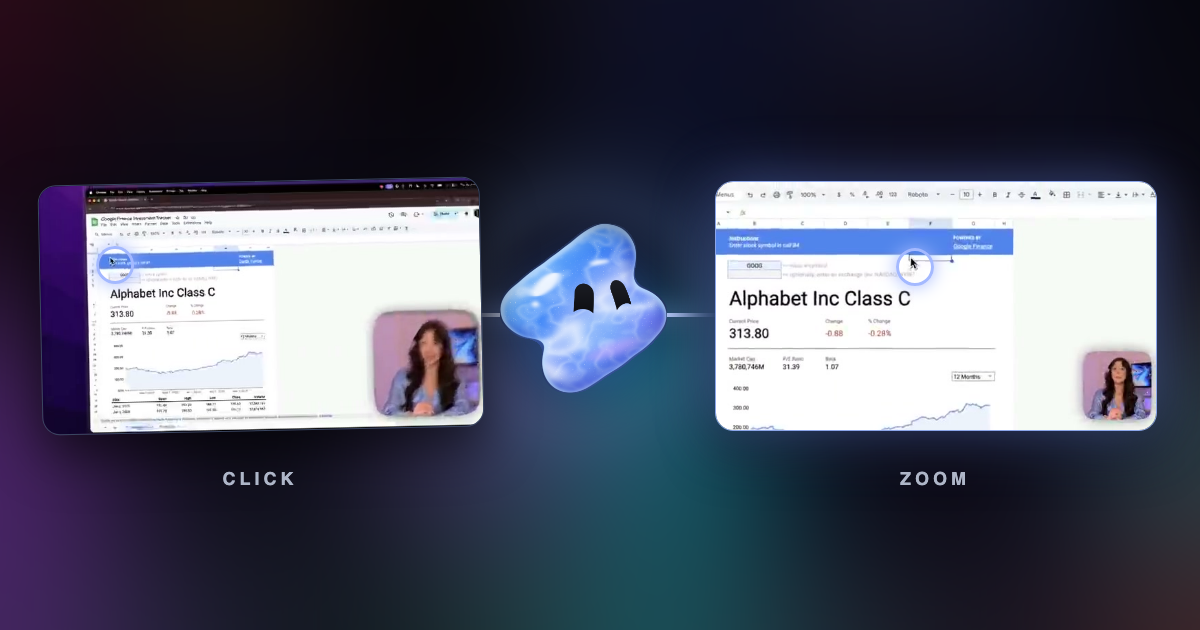
Read articleFive ways to zoom a recording into clicks, with platforms, prices and settings for Vidova Recorder, Screen Studio, Cap, FocuSee, Camtasia, OBS and DaVinci Resolve.
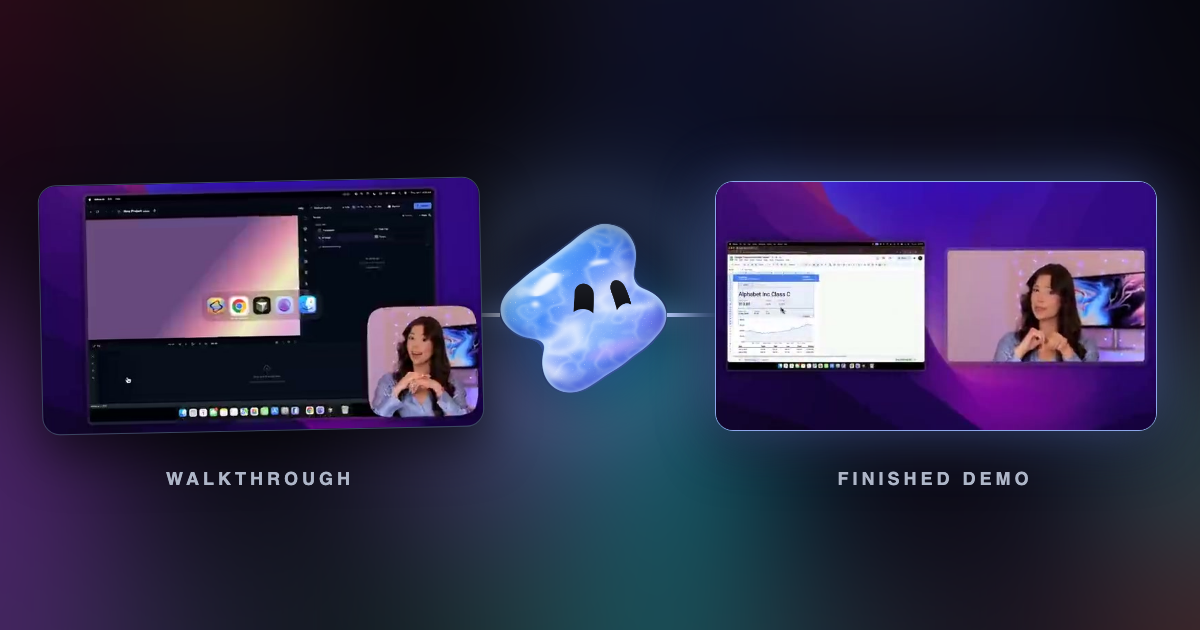
Read articleA checklist for a SaaS product demo video: plan the path, set up the screen, record with automatic zoom, cut pauses, add captions and export.
Read articleWhere TikTok, Reels and Shorts cover a 1080 × 1920 video, in pixels. Margins for each app, a real example, ad safe zones and a checklist for text.
Read articleTurn photos and a song into a 9:16 Reel or TikTok: how many photos to use, how long to show each one, and how to cut to the beat.
Read articleCut a podcast, webinar, interview or vlog into vertical clips: find the moments that stand alone, reframe to 9:16 and add captions.
Read articleInstagram Reels, TikTok and YouTube Shorts are the same size: 9:16 at 1080 × 1920. Each app's size with sources, and how to resize one video for all of them.
Read articleMake a car, sports or hype edit from your own clips with AI: cuts on the beat, a flash on the drop, shakes and speed ramps. What to upload and ask.
Read articleTurn photos and clips from a club year, a party, a conference or a wedding into a recap video with AI. What to collect, write and check.
Read articleTurn Valorant, Fortnite, Minecraft or Roblox recordings into a montage with AI: choose the best plays, cut them to a beat and add a kill counter.
Read articleMake a music video, lyric video or song teaser from your own clips and track with AI: cuts that follow the song, lyrics on the vocal, lip sync kept.
Read articleMake a product video or a UGC-style ad from clips you filmed: a hook in the first second, proof, the price and a call to action. With an example brief.
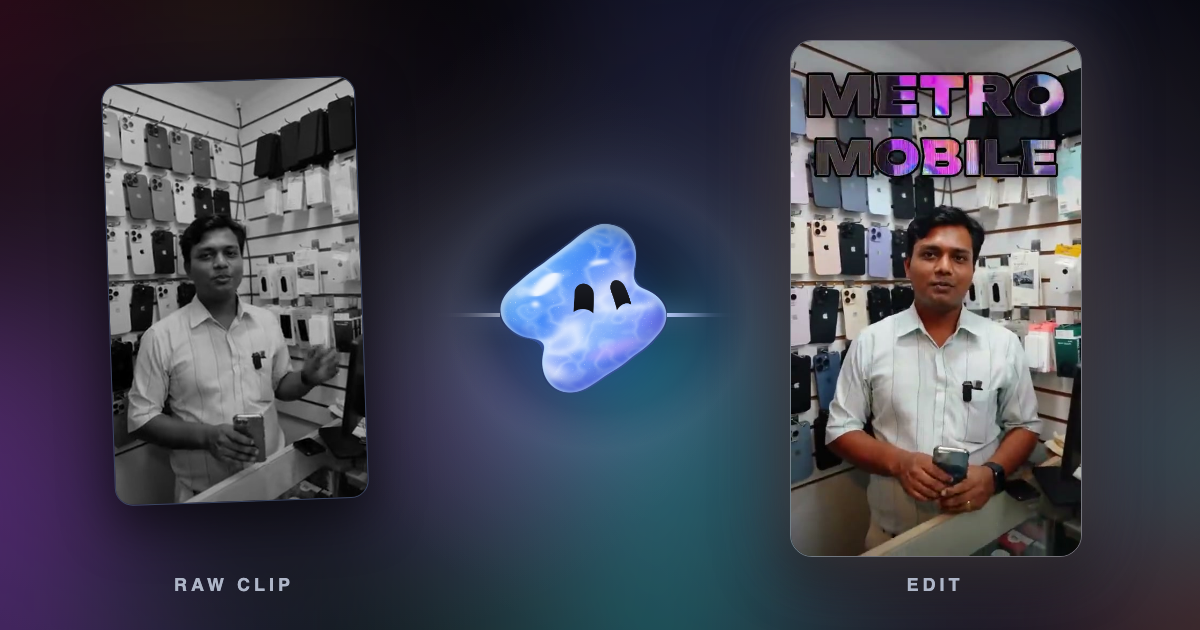
Read articleTurn phone clips of your shop, product or service into a 15-second Reel or TikTok promo with AI. What to film, what to write and what to check.
Read articleTurn phone clips from a holiday or a road trip into a travel video with AI: a journey order, place names, a route map and real sound.
Read articleMake something with Vidova
Your footage, your ideas, and a timeline you control.