 Vidova
Why am I asked to open another browser?
Some in-app browsers cannot run the Vidova editor. Open the page in a full browser using the choices shown on the browser screen. On iPhone or iPad, that screen offers Safari or Chrome. Sign in with the same account to reach your projects.
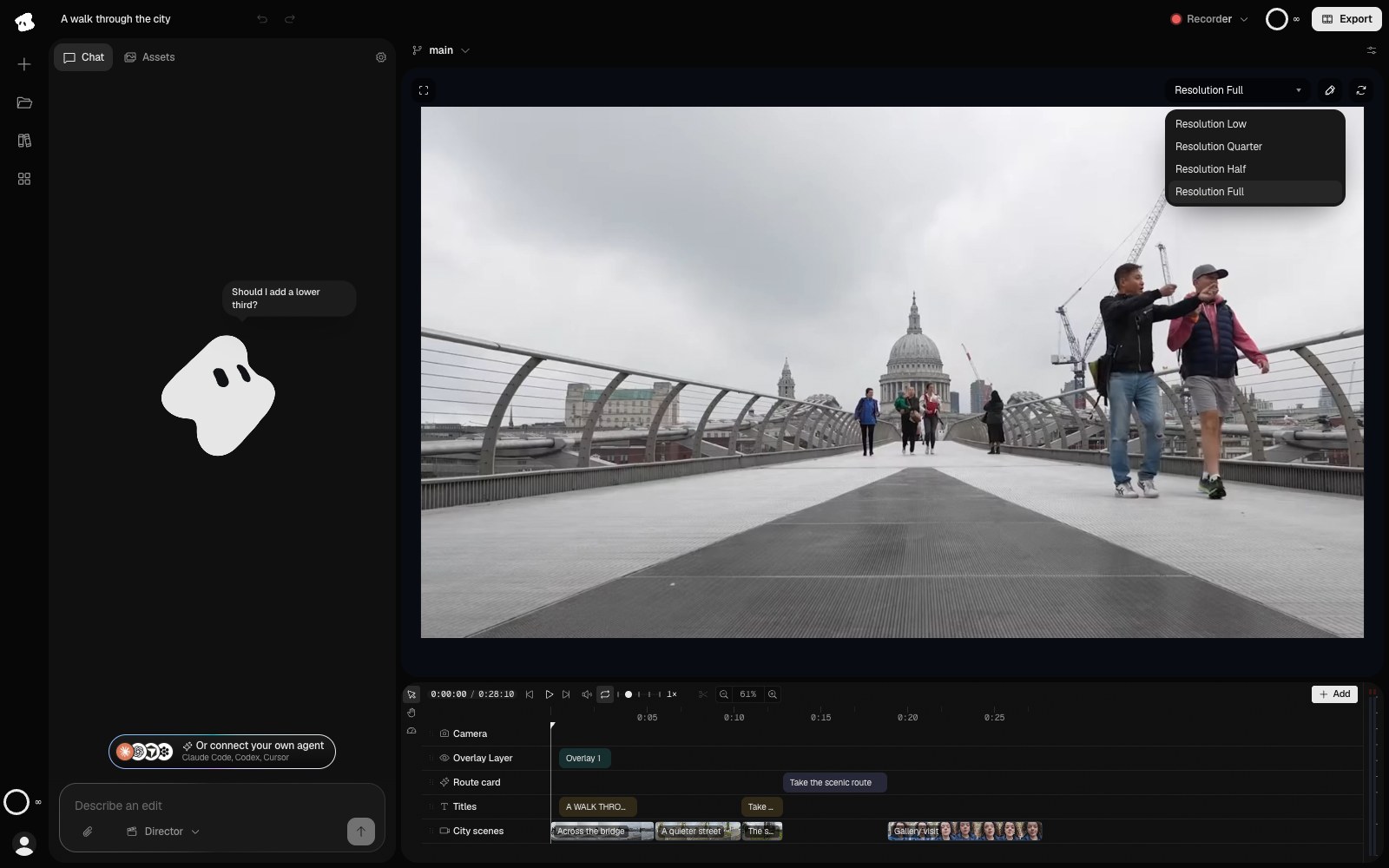
Resolution changes the preview's working size. Export resolution is chosen separately in the Export window.
Select the image to open the original full view.
Do I need to save manually?
Project changes sync automatically while connected. Let uploads and synchronization finish before switching devices. To keep an editable package with media, choose the Vidova format in Export. See Projects.
Can I leave during an export?
It depends on where the export renders. An export on This device runs in the tab, so keep the page open until it finishes. A Cloud export keeps rendering after you close the tab, and you can download it from chat or the Export window when it is ready. Cloud exports need uploaded media. See Exporting and sharing.
Why is there a watermark?
The free plan adds a Vidova watermark to previews and exports, and exports end with a short Vidova end card. Upgrade to a paid plan, or buy a Project Pass for one project, then export the film again. See Plans and credits.
Can I use my own agent?
Yes. In ChatGPT, install the Vidova plugin. In another app, connect a compatible MCP client to https://mcp.vidova.ai/mcp and sign in. Ask it to list and open a project before editing. The MCP server guide includes client setup instructions.
Why is an uploaded clip not ready for an effect?
Uploading and preparing media are separate steps. Check the upload tray and wait for readiness. Cloud analysis also needs the asset in cloud storage. If the upload failed, check its status before requesting the effect again. See Importing media for readiness and Your Library for files moved to the Trash.
How do I report a problem?
Contact contact@vidova.ai. Include what you were doing, what happened, your browser or app, and the build code from Settings → About. If the agent returned an error reference, include that too.
Describe the steps that reproduce the issue so support can follow the same path.