Vidova
Is there an Instagram Edits app for PC or Mac?
Edits now has a free Mac app, but no Windows or web version. What Meta's own pages say, and the real options for editing Reels on a PC, with prices.
 Vidova team
Last updated
The short answer
Yes for Mac, no for PC. As of November 8, 2026, Meta's Edits app runs on iPhone, Android phones and Macs with Apple silicon (M1 or later). The free Mac app came out on November 5, 2026. Meta's Edits desktop page says Edits on desktop is only available on macOS, so there is no Windows version, and Meta lists no web version. To edit Reels on a Windows PC or an Intel Mac, you can use Vidova, an AI video editor in the browser: you upload your clips, describe the Reel, and its agent makes the edit. CapCut, Canva and Clipchamp also run on a computer, and you make the edit yourself. Then post the finished video to Instagram.
Key takeaways
- Edits has no Windows or web version. The Mac app is a free download from the Edits website and needs Apple silicon (M1 or later).
- The Edits iPhone app does not install on a Mac. Its App Store page lists iPhone only.
- CapCut, Canva and Clipchamp run on a computer and export without a watermark on their free plans when you avoid paid elements.
- Vidova runs in the browser on a computer and has a 7-day free trial with 2,000 credits and no watermark. You describe the Reel, and an AI agent makes the edit.
Does Edits have a desktop or web version?
It has a Mac version, and no Windows or web version. We checked Meta's own pages about Edits on November 8, 2026:
- The Edits website has three download buttons, for iOS, Android and Mac. It says "Edits is now available on macOS".
- The Edits desktop page says "Edits on desktop is only available on macOS" and "You will need a Mac with Apple silicon (M1 or later)". The app is free to download, has a multi-track timeline and exports in 4K with no watermark.
- The App Store page says "Only for iPhone" and lists compatibility with iPhone on iOS 16.3 or later. It lists no Mac or iPad support, so the iPhone app does not install on a Mac. The Mac app is a separate download from the Edits website.
- Meta's post for the app's first birthday, on April 22, 2026, calls Edits "an app for editing and creating videos right on your phone".
The Next Web reported the Mac launch on November 5, 2026. It says there is no Windows version yet, and that you cannot yet work on the same project on your phone and your Mac. We found no announcement of a Windows or web version on Meta's newsroom, the Edits site or the help center. Until Meta ships one, editing on a Windows PC means using a different editor.
How to edit Reels on a computer
These editors run on Windows, Mac or in a browser and export vertical video you can post as a Reel. We last checked each one on its own site in October or November 2026.
| Editor | Runs on | Free use | Paid from (US) |
|---|---|---|---|
| Edits | Macs with Apple silicon (M1 or later) | Free. 4K export with no watermark | Free to download |
| CapCut | Windows, Mac and web | No watermark unless you use Pro templates, effects or assets. 4K and 60 fps on desktop need Pro | $9.99 a month for Standard or $19.99 for Pro in the US App Store. Varies by region |
| Canva | Web, Windows and Mac | MP4 up to 1080p and 30 minutes. A watermark appears only if you use Pro elements | Canva Pro: US$18 a month or US$144 a year |
| Microsoft Clipchamp | Browser and a Windows app | Watermark-free exports up to 1080p | 4K export comes with Microsoft 365 Personal or Family |
| InShot | Macs with an M1 chip or later, through the iPhone app (macOS 13 or later) | Free with ads | $4.99 a month, $19.99 a year or $49.99 once |
| Descript | Mac (macOS 14 or later), Windows 11 and web | 1 hour of media a month, 720p export | Hobbyist: $24 a month, or $16 billed yearly |
| Vidova | Browser on desktop and phone | 7-day free trial with 2,000 credits and no watermark. Free plan: 720p export with a watermark, projects up to 1 minute | $19 a month |
On Windows, the closest to Edits is CapCut Desktop. It has a similar timeline with captions, text, music, effects and templates. Canva is easier if the Reel is mostly branded text and graphics. Clipchamp exports up to 1080p with no watermark on its free plan. For a longer comparison of the phone apps, read Instagram Edits vs CapCut.
Edit on a computer, finish in Edits
Some features exist only when you post from Edits. Link overlays to other reels work only when you export from Edits to Instagram, and Edits saves a draft to Instagram that stays linked to the project. You can still do the heavy editing on a computer and use Edits for the last step.
- Edit the Reel on your computer and export a vertical MP4.
- Move the file to your phone with AirDrop, a cloud drive or a cable.
- In Edits, tap Projects, then New project, and pick the file from your gallery.
- Add captions, a link overlay or music in Edits if you need them.
- Tap Next, then Instagram, and save the draft or share the reel.
Before you export, check that text stays clear of the Instagram buttons with our free safe zone checker. The guide to the best export settings for Instagram Reels covers size, frame rate and bitrate.
Let an agent make the edit on your computer
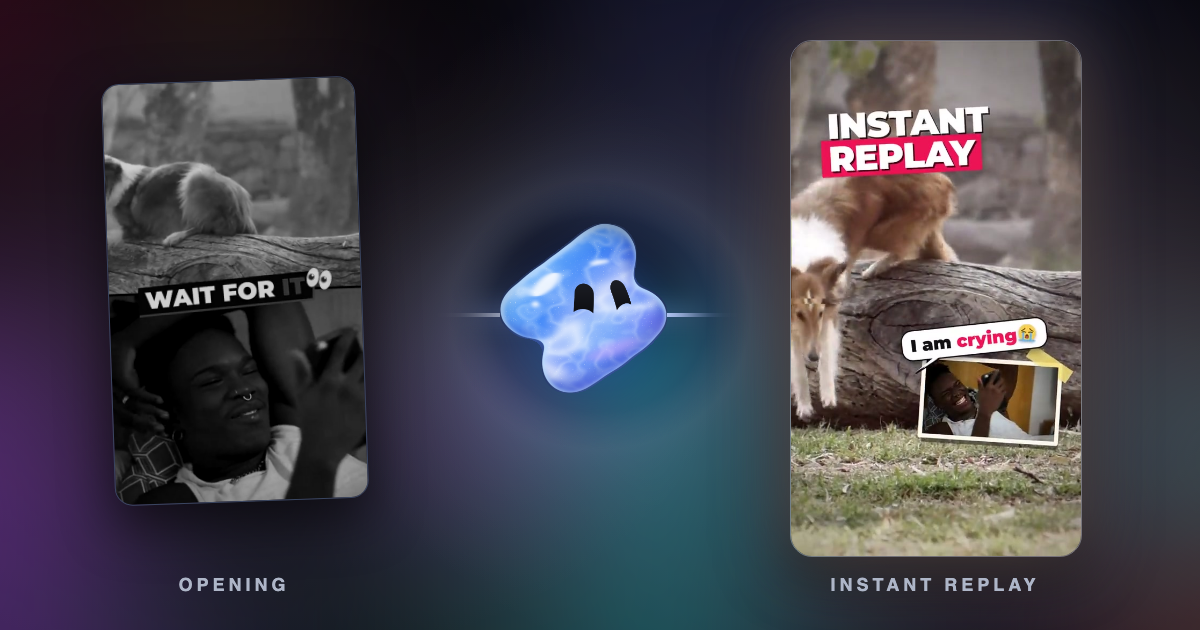
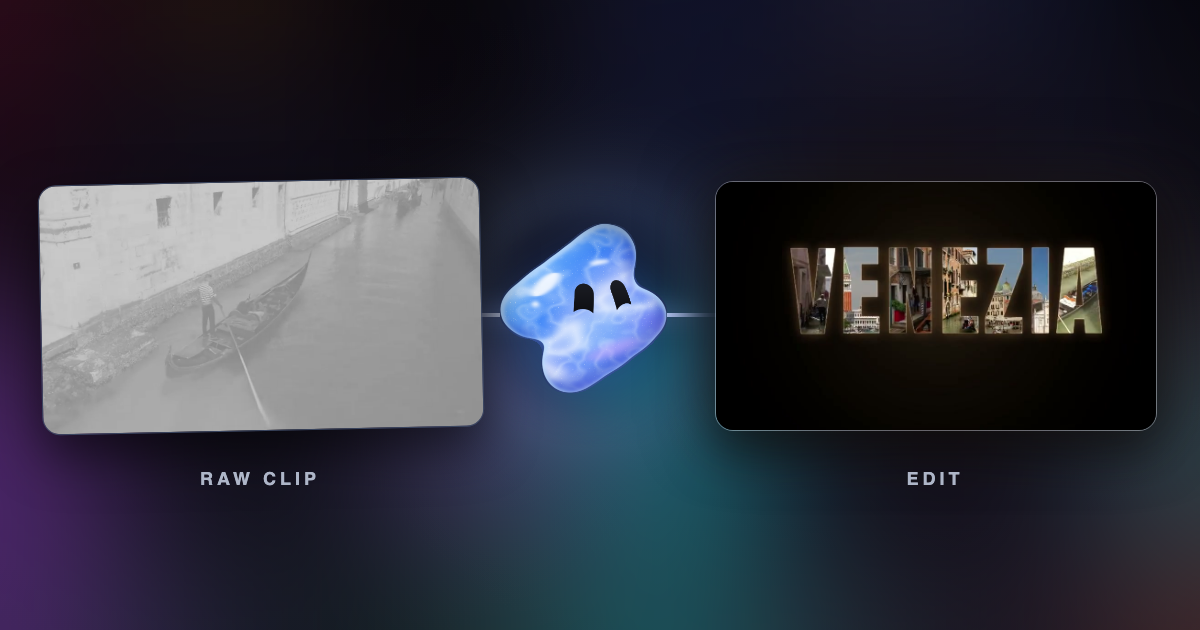
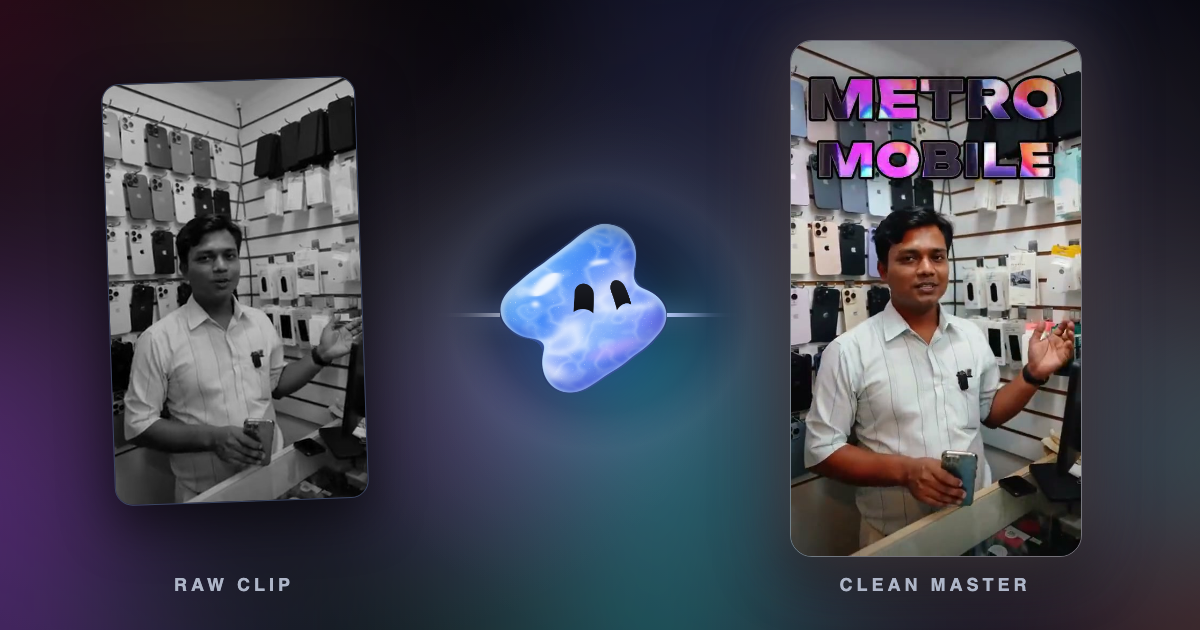
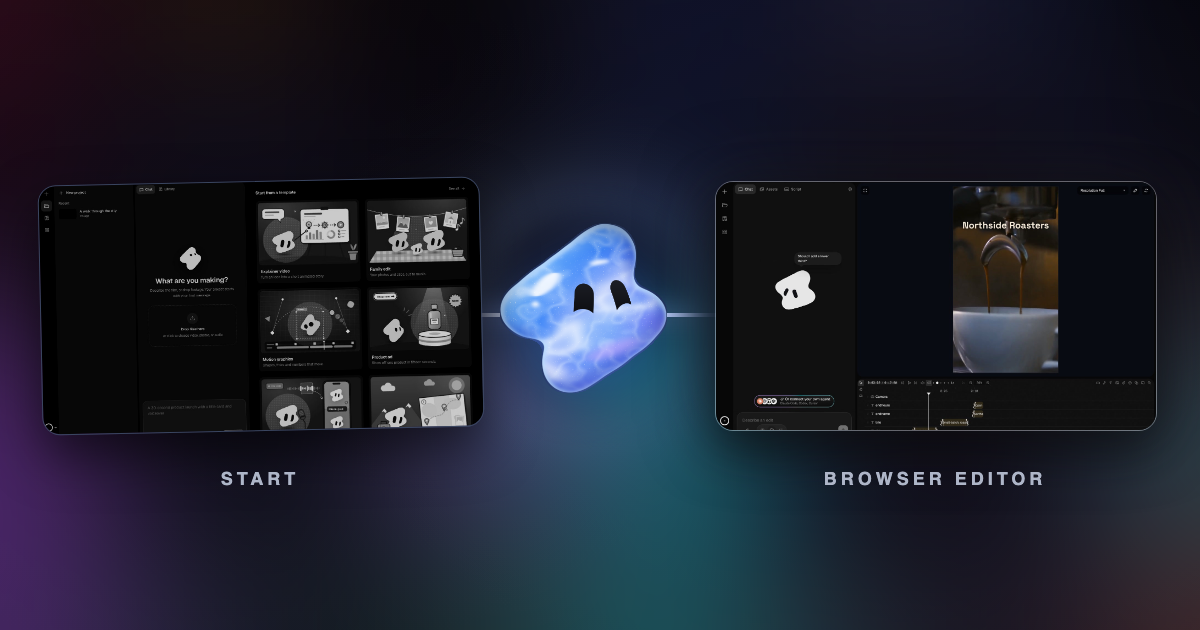
Vidova runs in the browser on a computer or a phone, and it works differently from the editors above. You upload your phone clips and describe the Reel. An AI agent cuts it on a multitrack timeline, adds captions, titles and music, previews frames to check its own work and runs a quality check. You can change any clip by hand afterwards, or ask for changes in plain words.
Make a 15-second Reel for our spa from these clips. Start with the hands placing the lemons, end on the oil pouring into the bowl, put "Salt & Citrus" in large serif type over the last shot, and use calm music. Export at 1080 × 1920.
There is no Vidova app for iPhone or Android yet. You can start with a 7-day free trial with 2,000 credits and no watermark. The free plan adds a watermark, exports at 720p and takes projects up to 1 minute long. Paid plans start at $19 a month, remove the watermark and export up to 4K at 60 fps. If you work on a Chromebook, see the best video editors for Chromebook.
Sources
- Edits by Instagram
- Edits for desktop
- The Next Web: Instagram launches free Edits video editor for Mac
- Edits in the App Store
- Edits on Google Play
- Instagram Help: Record a video with Edits
- Instagram Help: Edit your video on Edits
- Instagram Help: Download and share your video from Edits
- Meta: One year of Edits (April 2026)
- CapCut Help: Why am I prompted to join CapCut Pro when exporting?
- Canva Help: Downloading designs as video or GIF
- Canva: Pro vs Business vs Enterprise (US prices)
- Microsoft Clipchamp pricing
- InShot in the App Store
- Descript pricing
- Descript system requirements